Highlights

Light redefined.

Without limits.

Natural white light

via Smartphone App

Performance that convinces.

Cordless operation

The Lighting Standard.
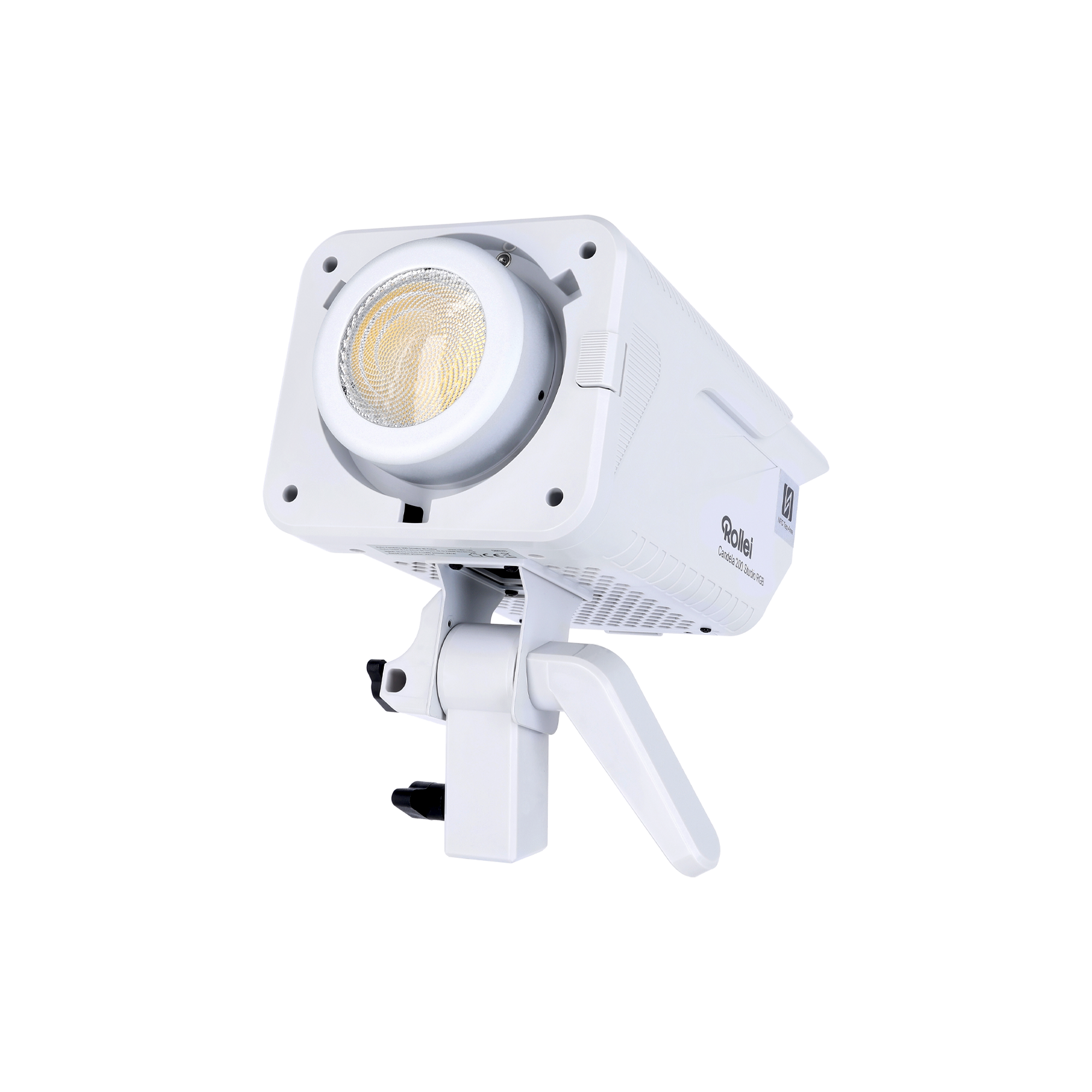
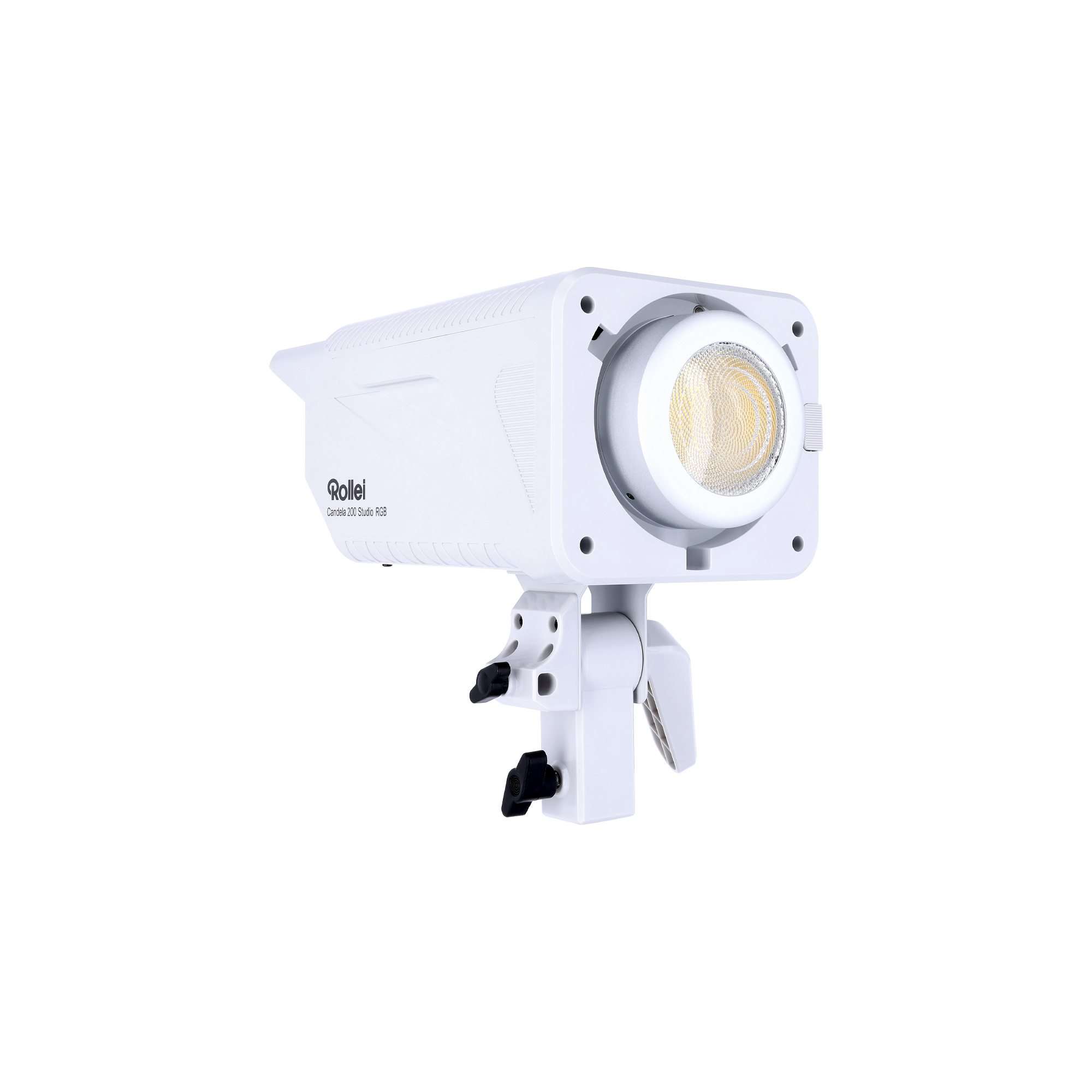
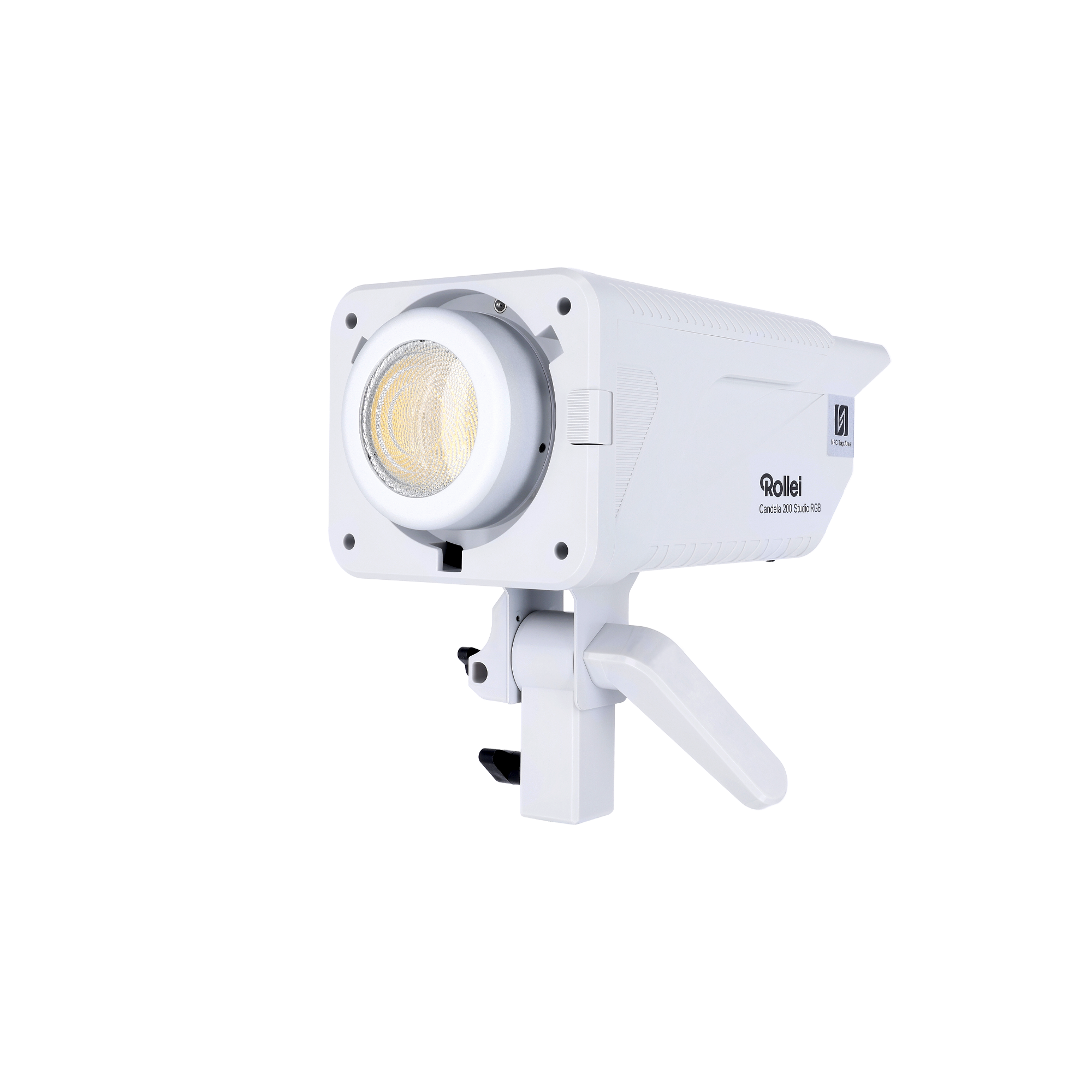
Candela 200 Studio RGB
200 Watt Power: Precise adjustment from 0 – 100 % for full control
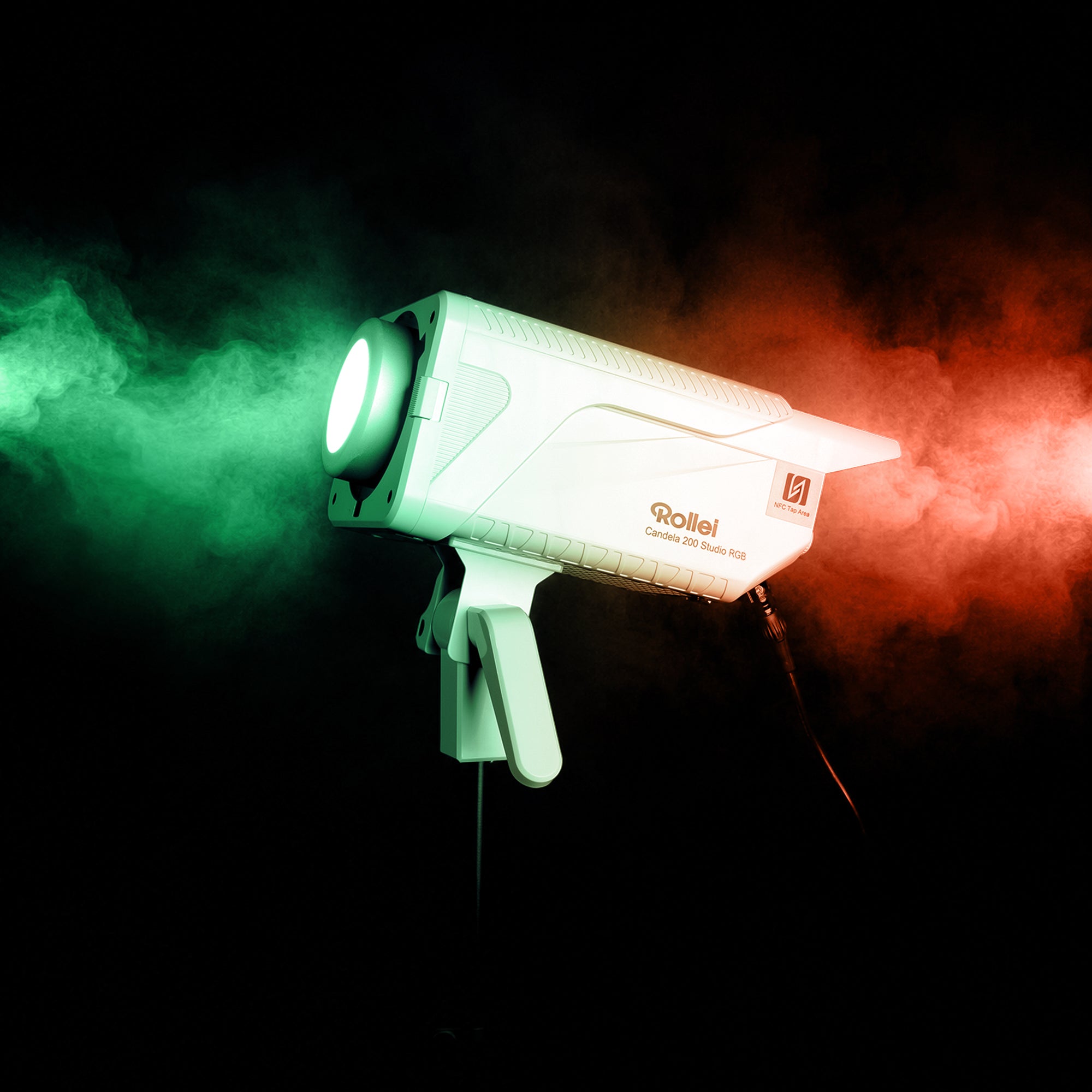
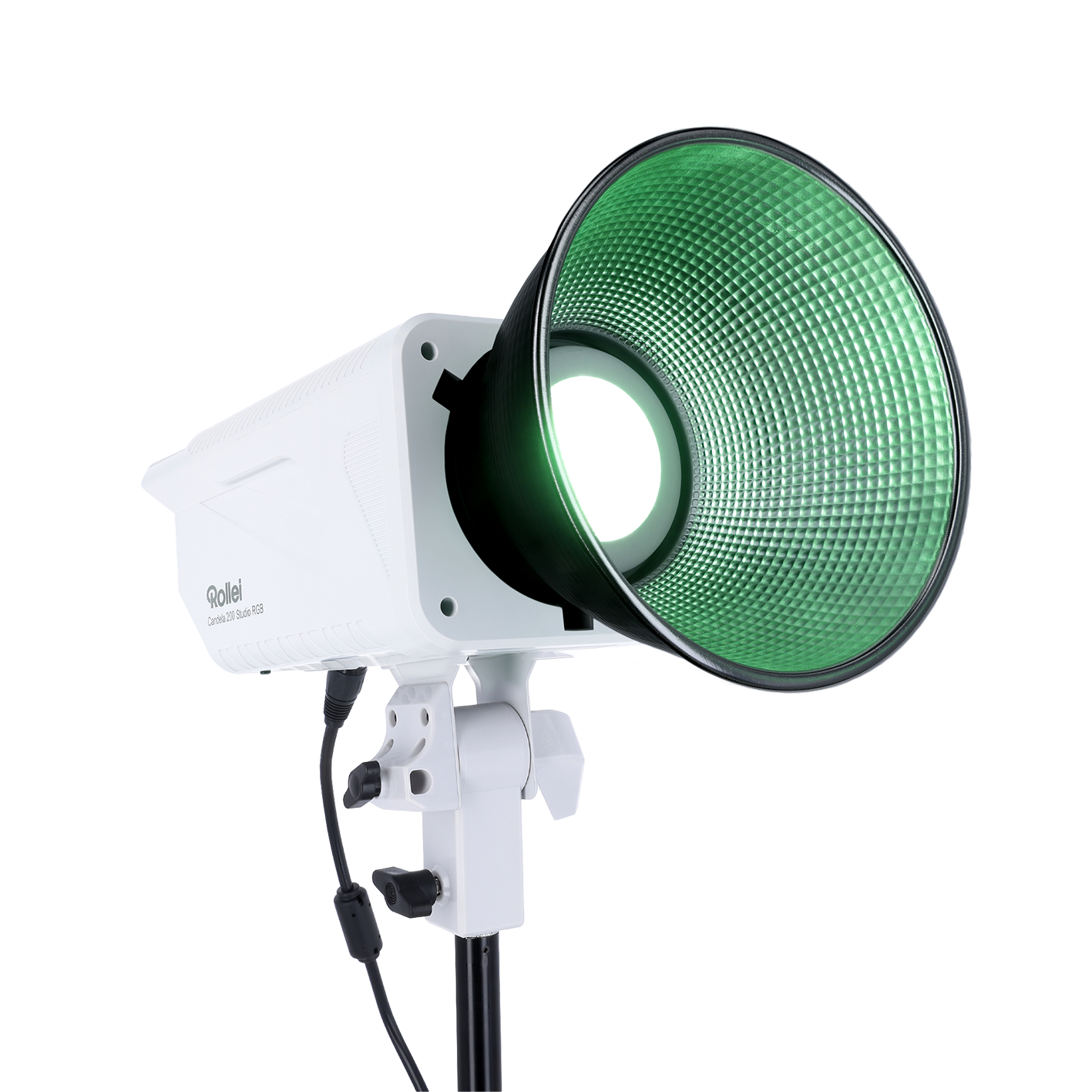
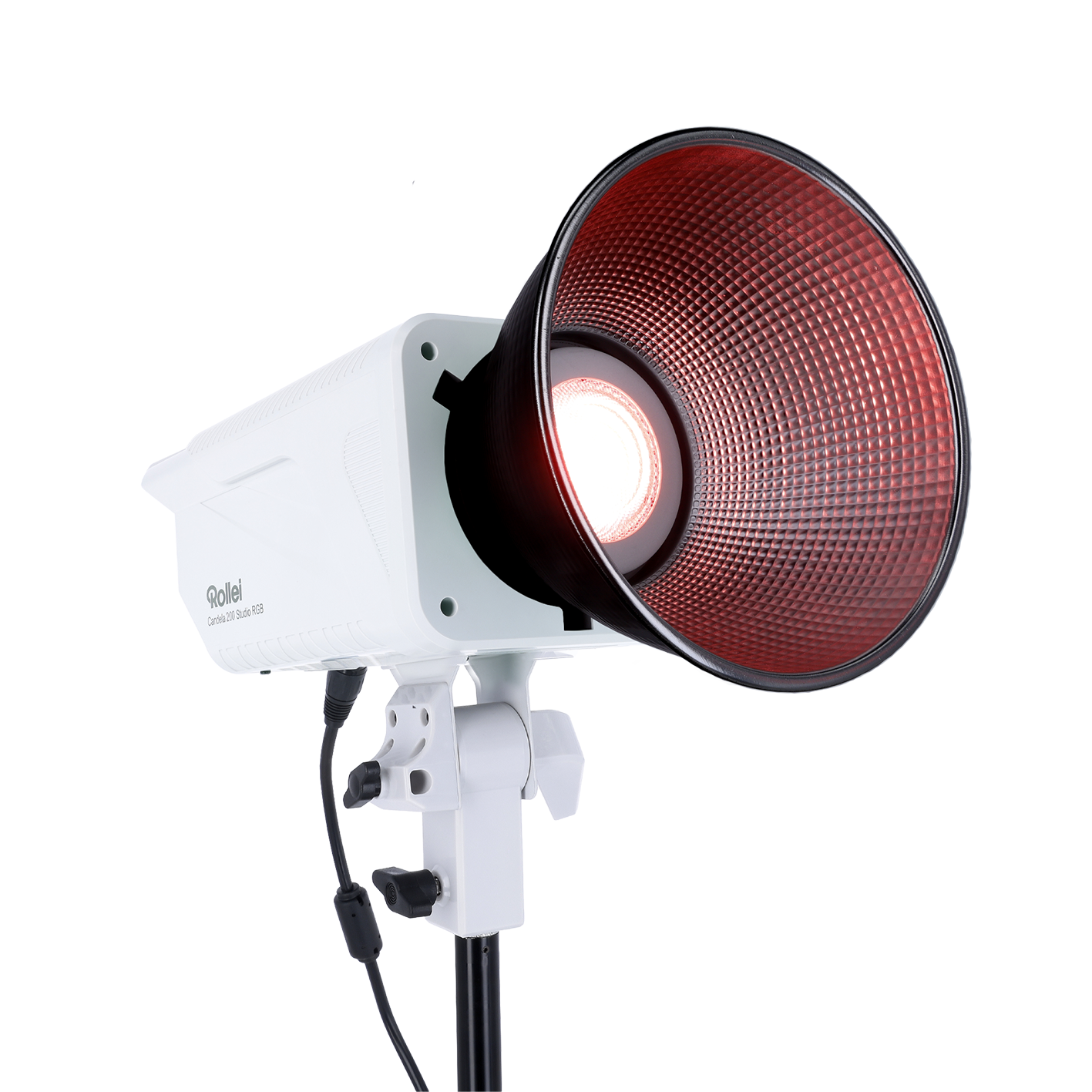
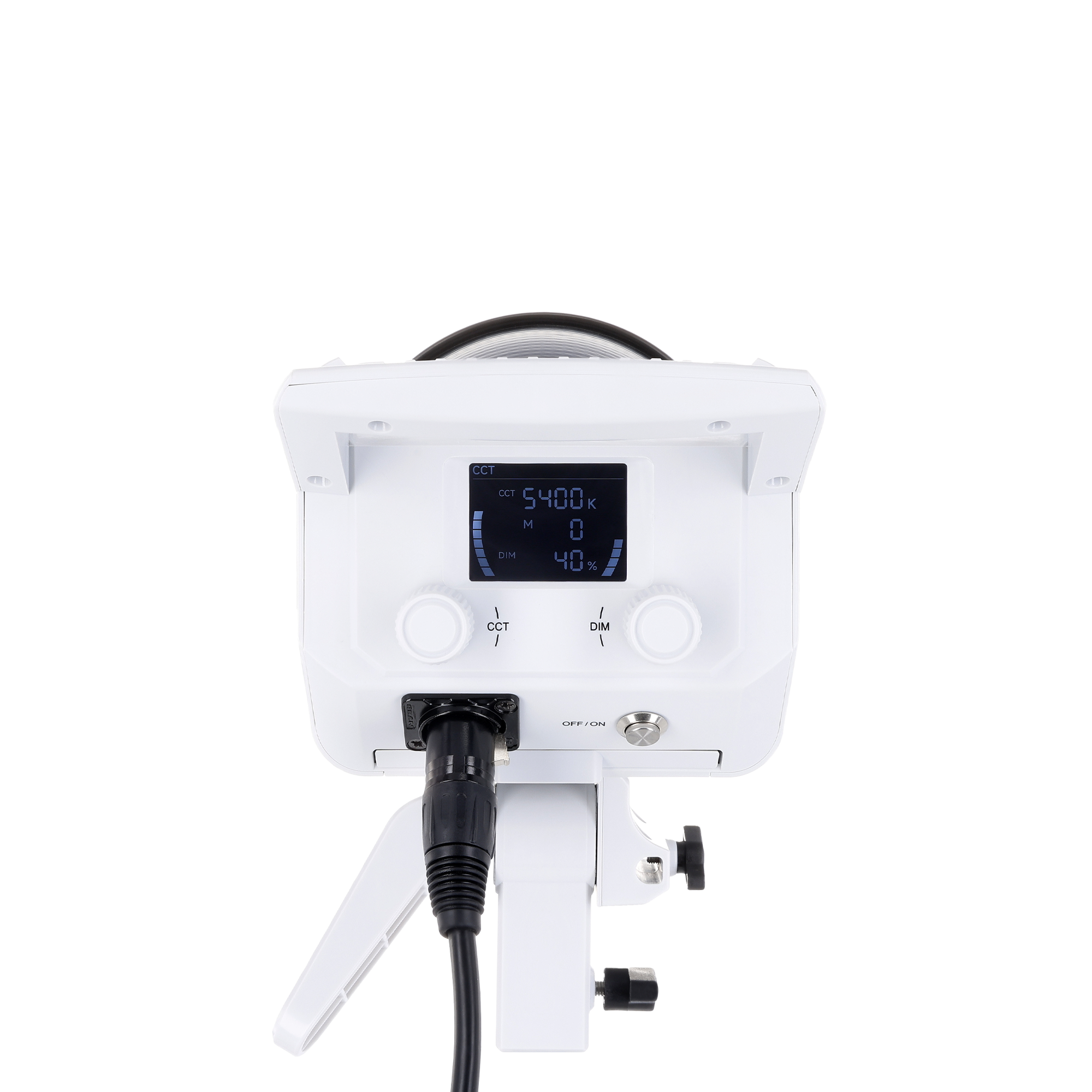
RGB + Bi-Color: 360° color control and variable color temperature from 2,700 – 6,500 K for maximum creative freedom
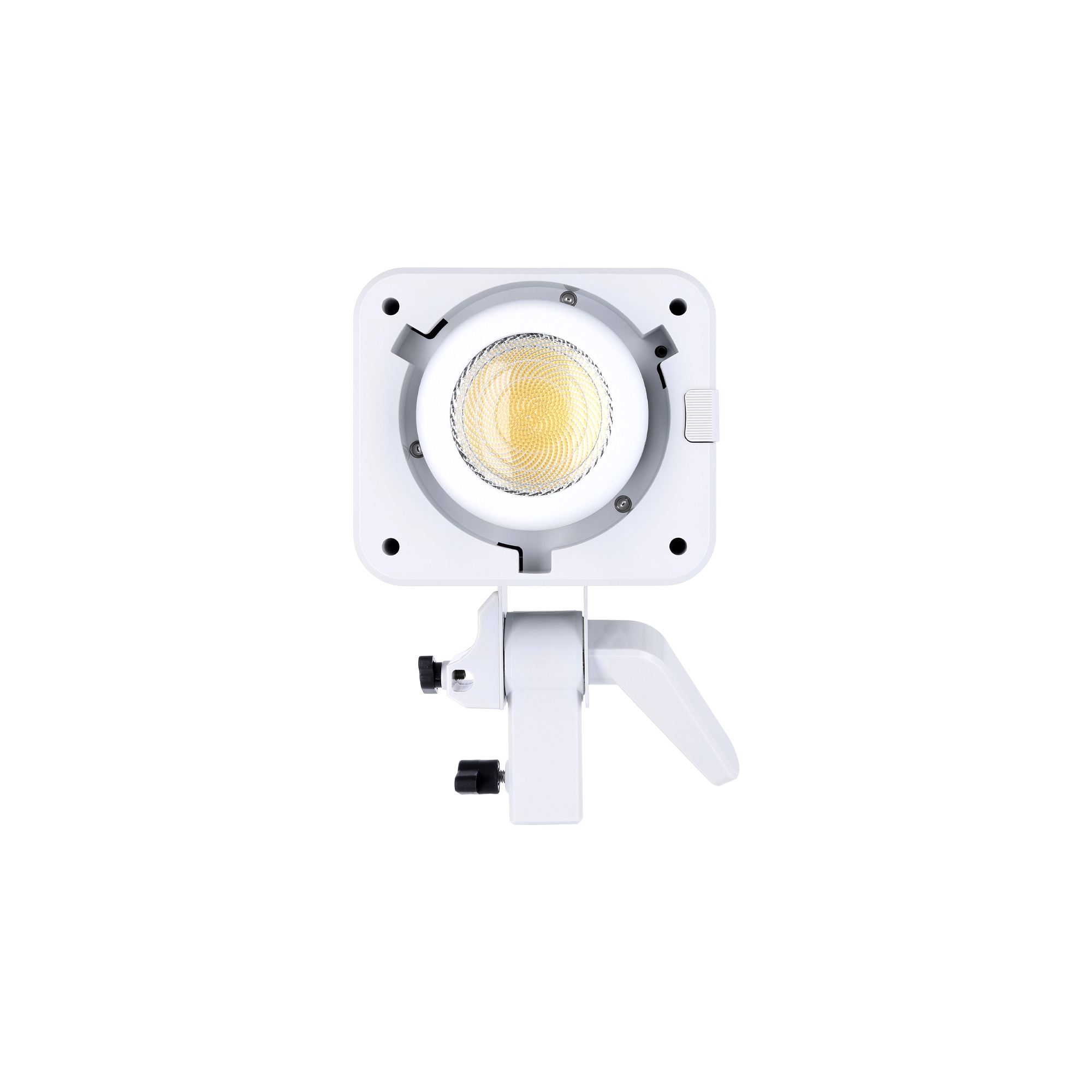
Focused light power: The 60° Fresnel lens delivers up to 80% more light output on the subject – for maximum brightness and efficiency.
High color fidelity: Natural skin tones thanks to high CRI/TLCI
Smart Control: Convenient operation via smartphone app for iOS and Android, as well as easy networking of multiple lights.
Highlights
Light redefined.
Without limits.
Natural white light
via Smartphone App
Performance that convinces.
Cordless operation
The Lighting Standard.
Frequently bought together
Drops & Deals. Zuerst auf WhatsApp. Kanal kostenlos beitreten →
Delivery within 2-3 business days
Free shipping from €100 ¹
14 days free returns²
2-year replacement warranty³
Candela 200 Studio RGB
If you have any questions, you are always welcome to contact us. We'll get back to you as soon as possible, within 24 hours on weekdays.
-
Shipping Information
Use this text to answer questions in as much detail as possible for your customers.
-
Customer Support
Use this text to answer questions in as much detail as possible for your customers.
-
FAQs
Use this text to answer questions in as much detail as possible for your customers.
-
Contact Us
Use this text to answer questions in as much detail as possible for your customers.
 Candela 200 Studio RGB – Compact continuous light with full color control
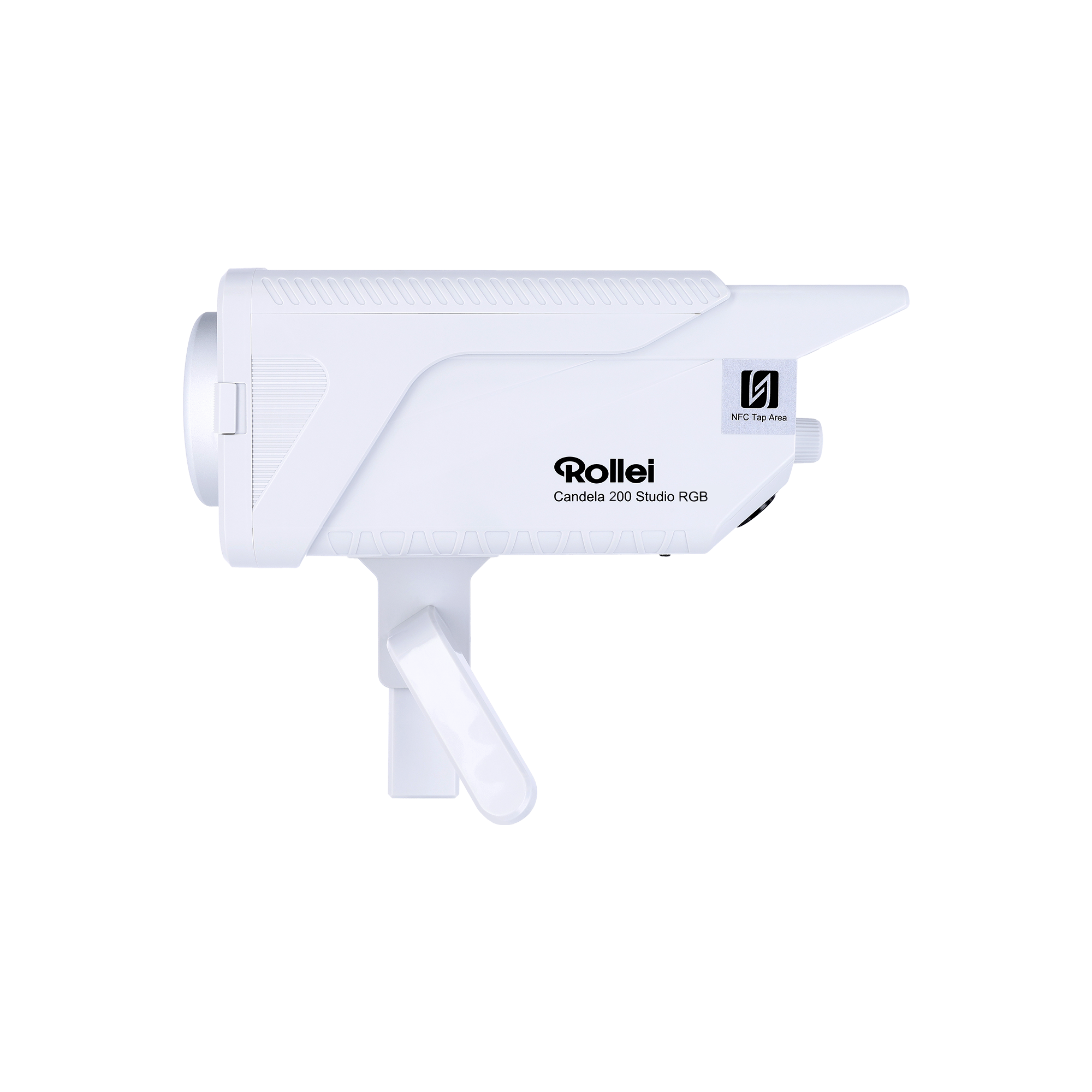
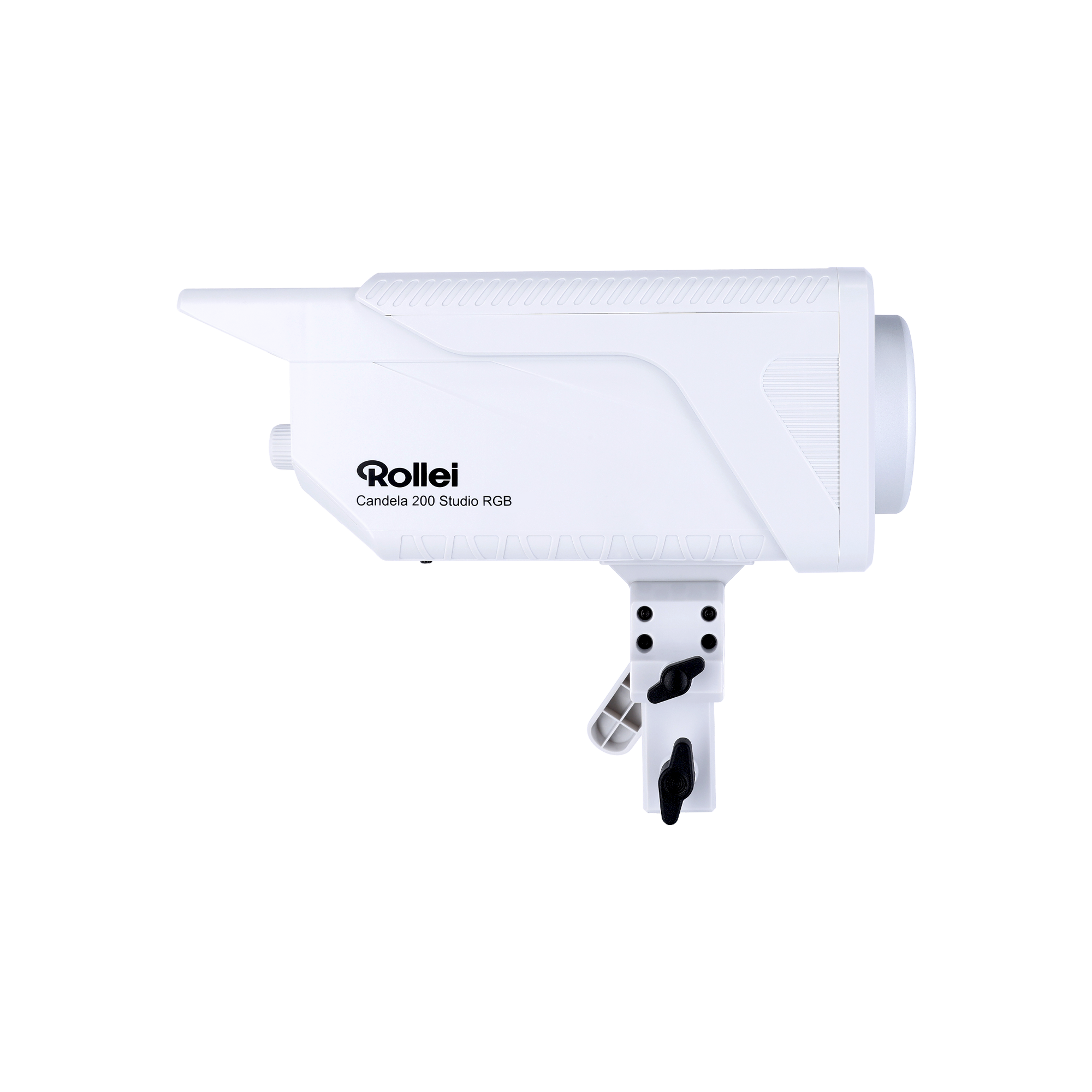
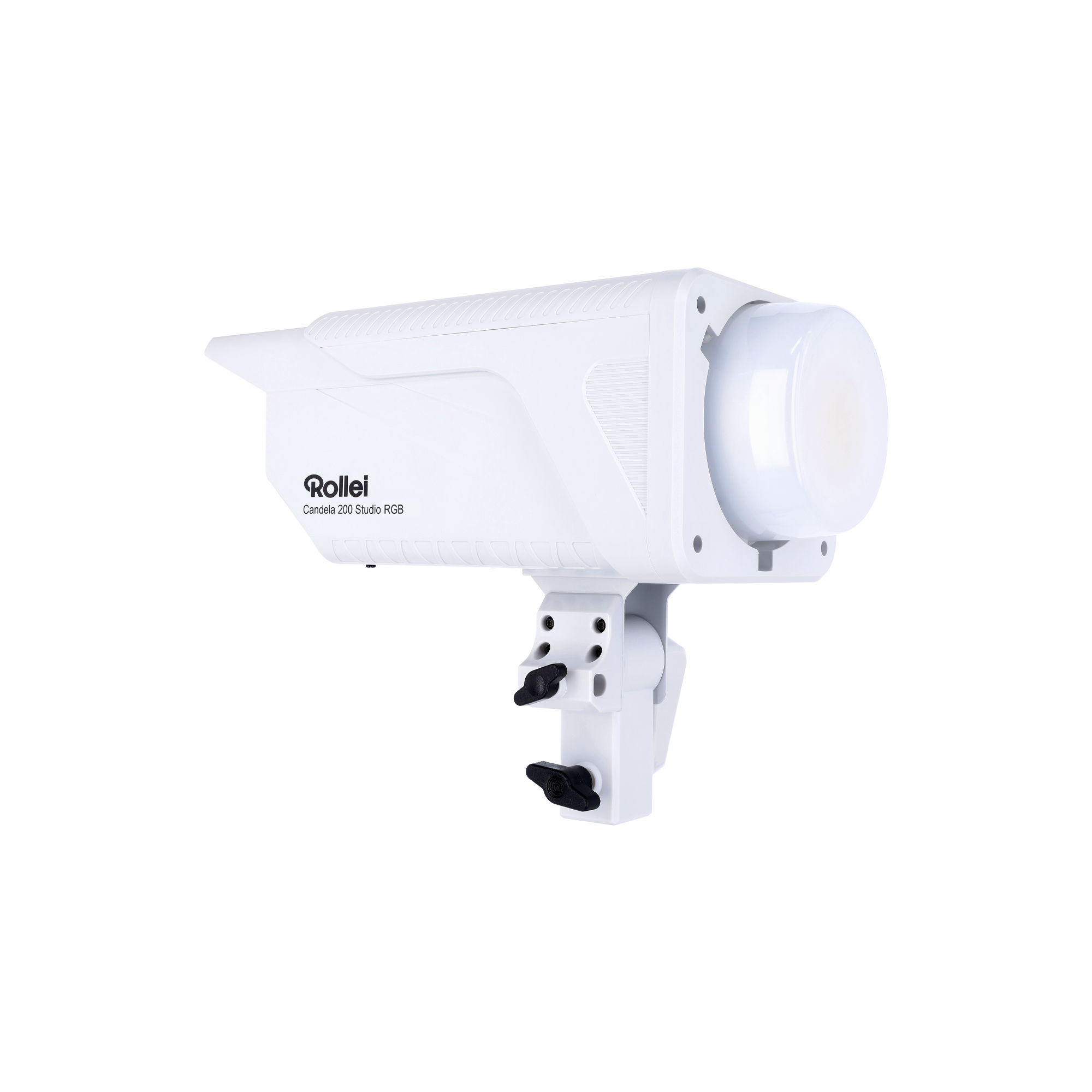
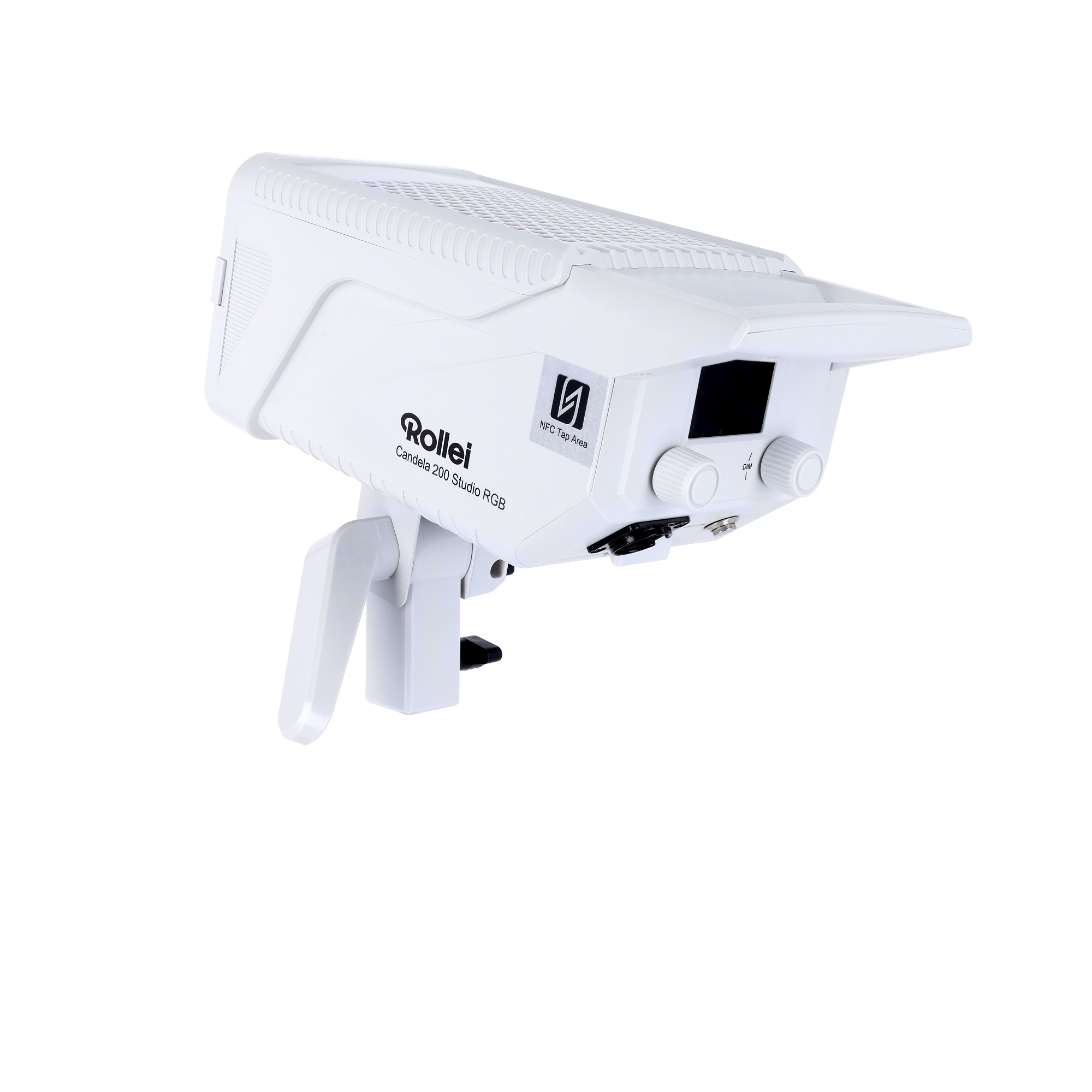
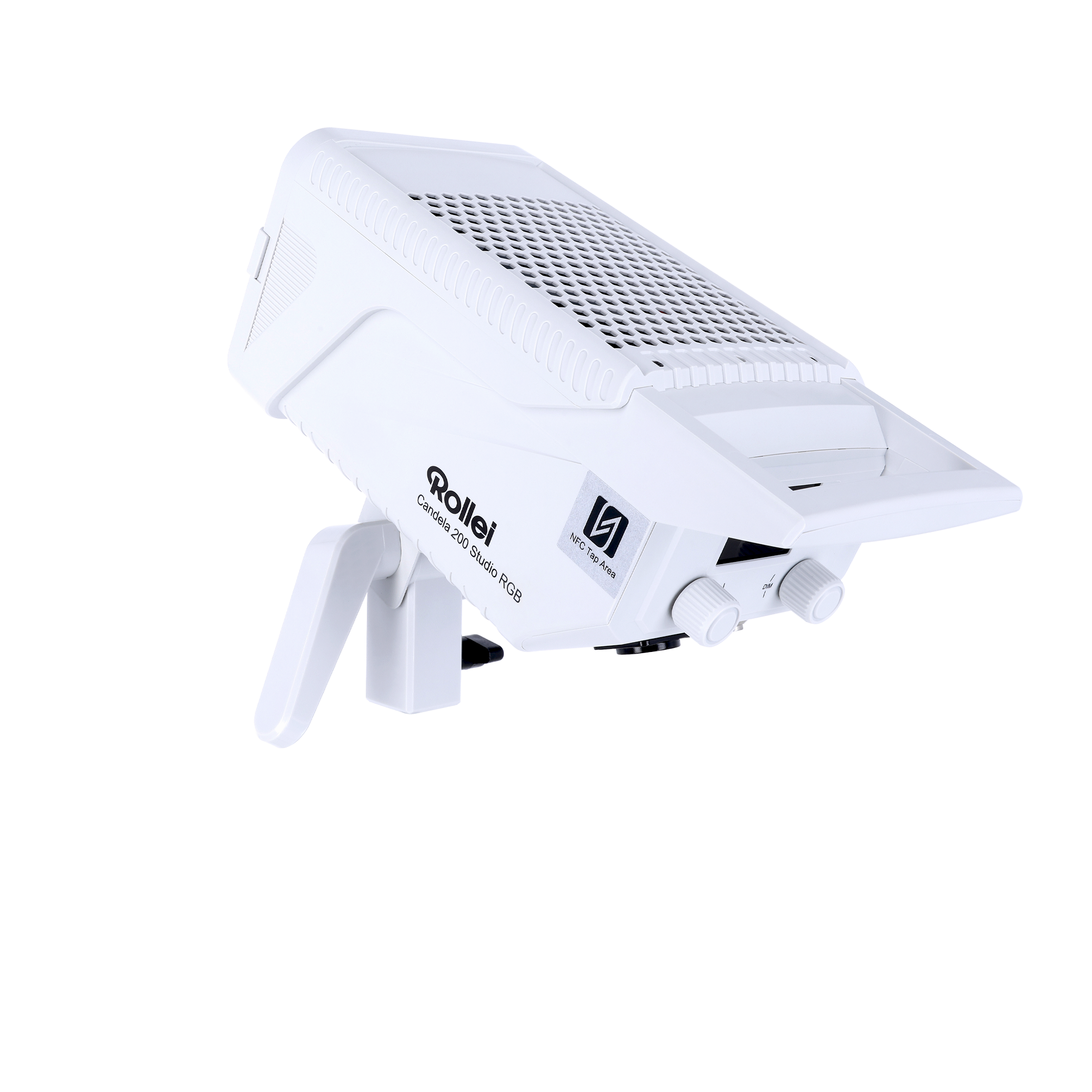
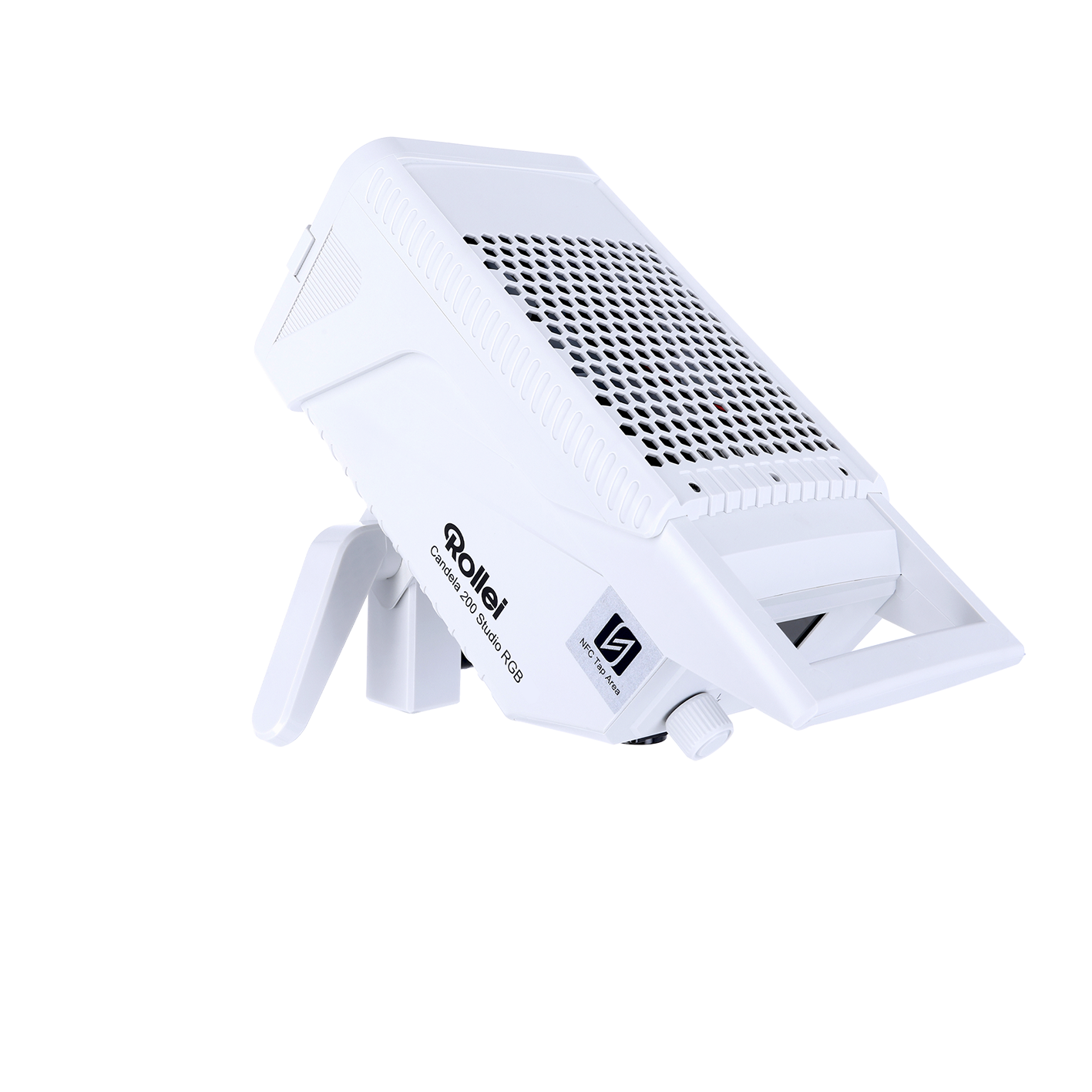
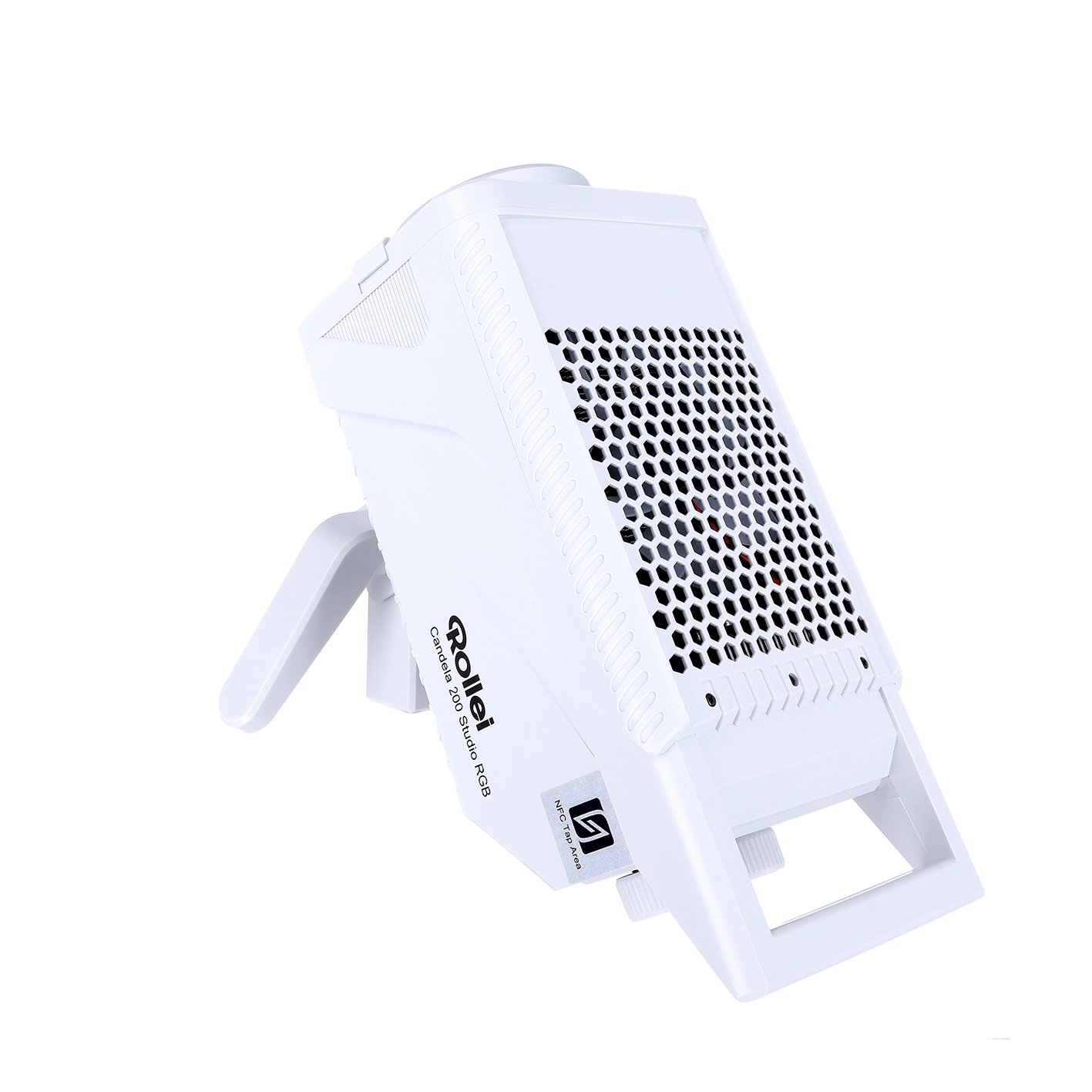
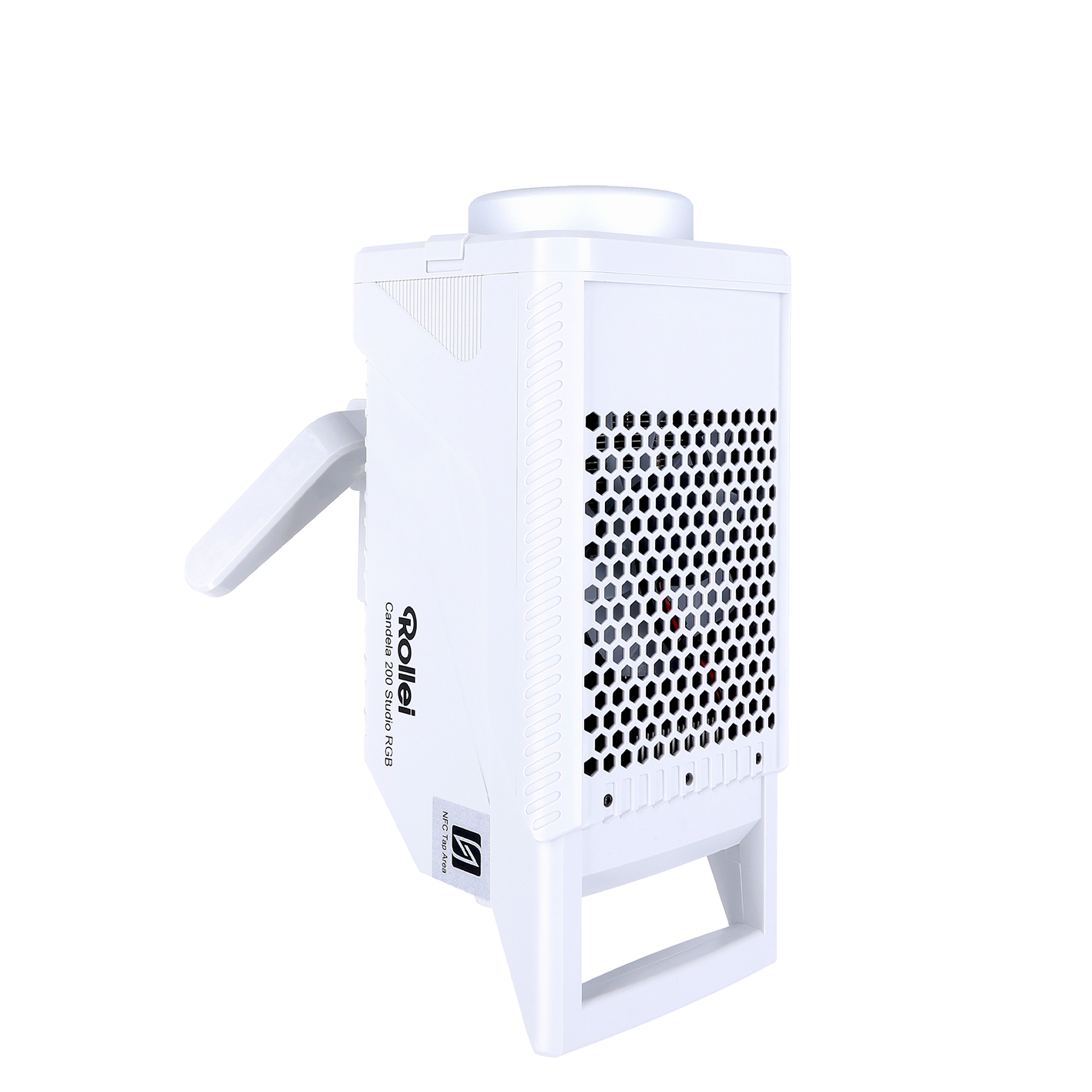
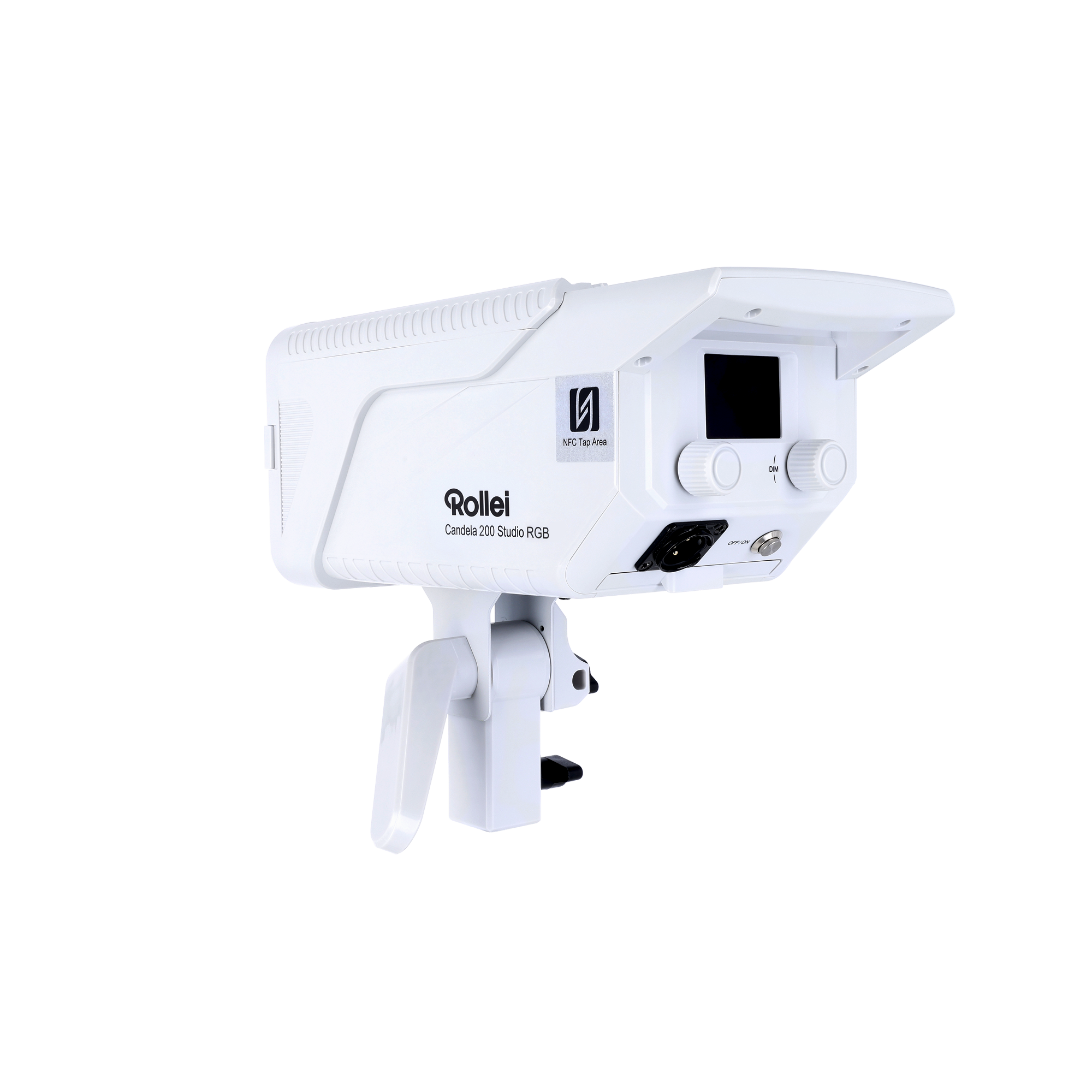
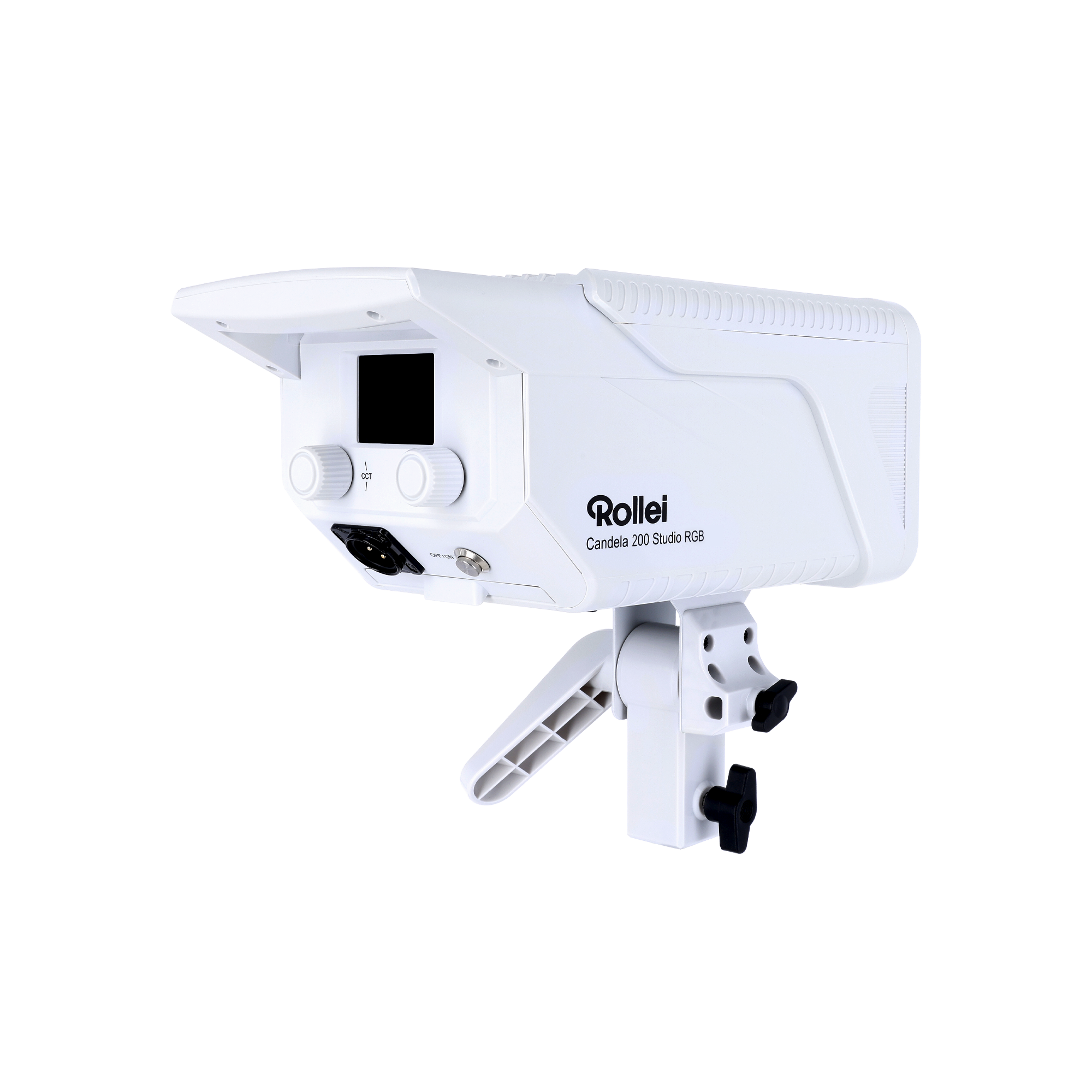
With the Rollei Candela 200 Studio RGB you get a powerful LED continuous light for photo, video and content productions. The combination of high light output, variable color temperature, full RGB color space and professional features makes the light the ideal solution for creative setups in the studio. Thanks to its compact design and versatile expansion options, the Candela 200 Studio RGB adapts perfectly to your workflow.

Video: Candela Studio
Video: Candela Studio
Technical Data
| Number of LEDs | 1 |
| Power | 200.0 W |
| Energy efficiency class (EU 2017/1369) | G |
| EU energy efficiency class spectrum (EU 2017/1369) | A – G |
| Color nuances | 360 RGB colors, saturation adjustable |
| Color temperature | 2,700 – 6,500 K |
| Color Rendering Index (CRI) | Television Lighting Consistency Index (TLCI) | TM-30-18 | 95+ | 97+ | Rf 95 / Rg 101 |
| Power control | 0 – 100%, in 1% steps or 10% steps |
| Illuminance (without reflector) | 3,200 lx (1 m), 961 lx (3 m), 404 lx (5 m) / 4,500 lx (1 m), 1,030 lx (3 m), 431 lx (5 m) / 5,500 lx (1 m), 1,040 lx (3 m), 437 lx (5 m) |
| Beam angle COB continuous light | 60° |
| Flicker-free | Up to 240 fps |
| Bowens S-Type bayonet | Yes |
| Remote control | App |
| Frequency band | 2.400 – 2.480 GHz |
| Maximum radiated transmitting power | 0 dBm |
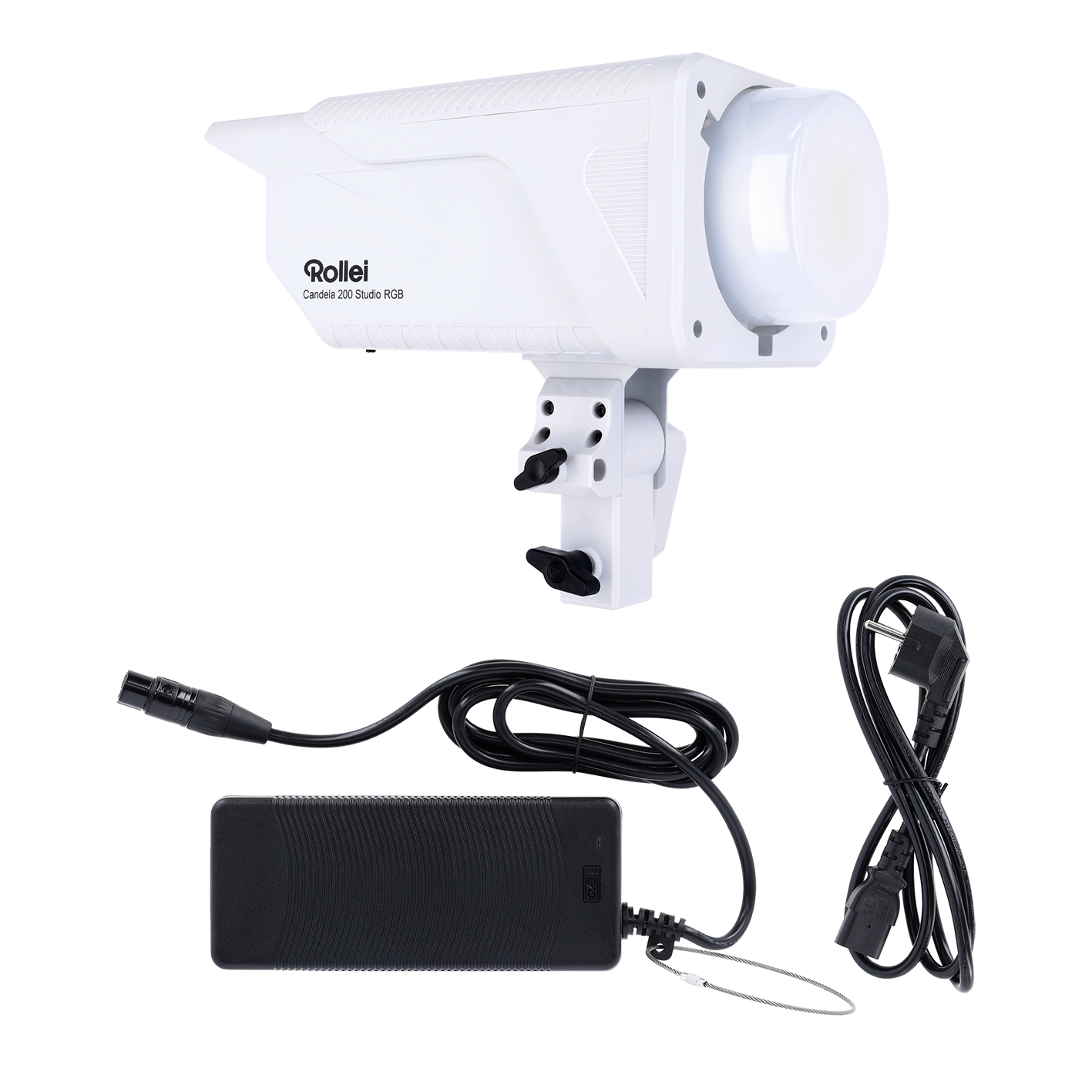
| Power supply | Rollei AC/DC adapter for Candela Studio 200, Input: AC 200–240 V, 50/60 Hz, Output: DC 48.0 V / 5.25 A |
| Input | DC 48.0 V / 5.25 A |
| Rated input power | 200.0 W |
| Fan volume | 28 dBA (100% brightness, 1 m) |
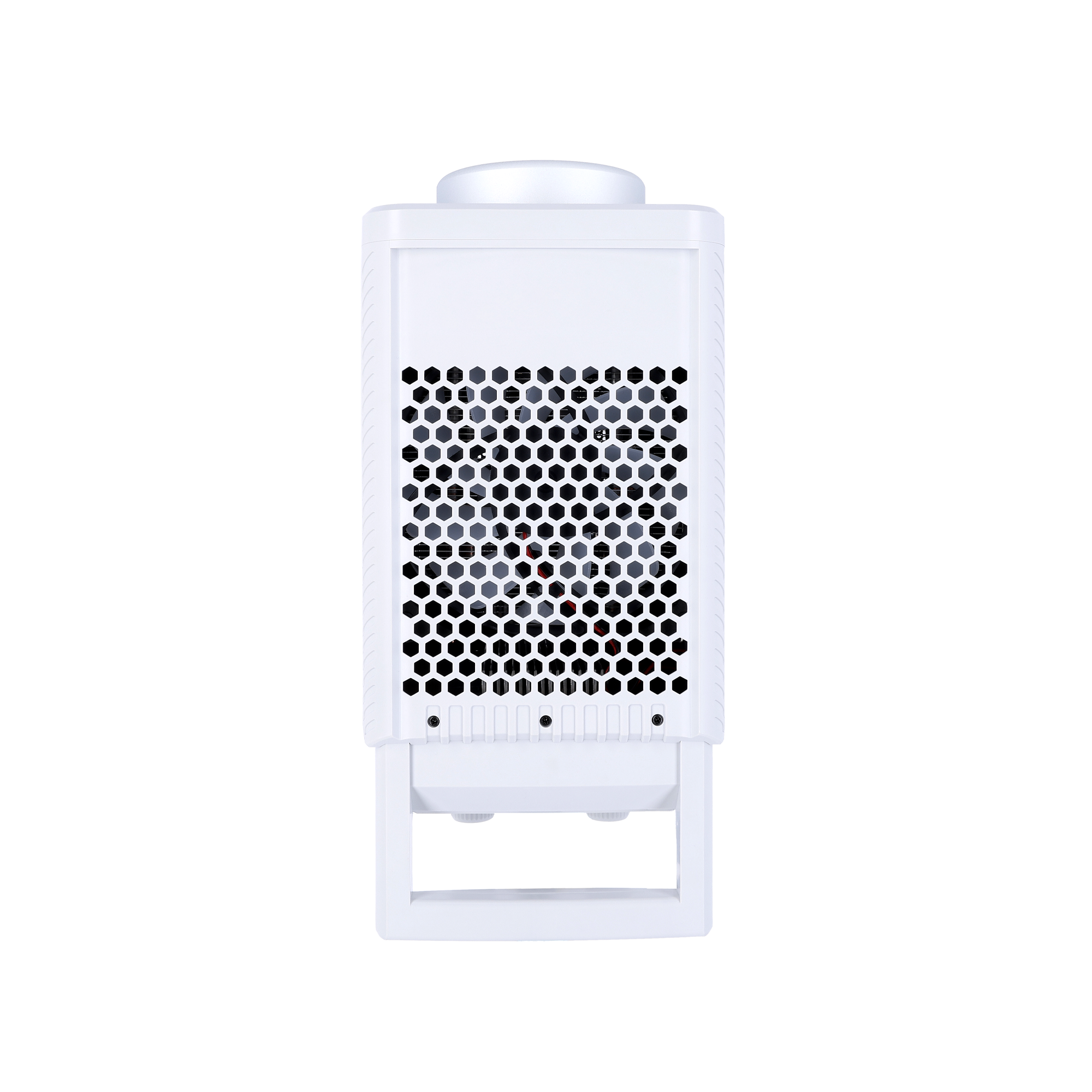
| Connections | XLR input, tripod mount with tilting head, spigot connection |
| Dimensions (L x W x H) | Weight (COB continuous light) | 29.8 x 14 x 12.2 cm | 1.9 kg |
Compatibility
Scope of delivery
Downloads
All available downloads for this product can be found in our download center.
There you will find operating instructions (BDA), firmware updates, software, drivers and other product-related files.
👉 To the download center:
https://downloads.rollei.de
Please simply select your product there to access all current files.
Special Notes
GPSR, Regulation (EU) 2023/988)
Everything you need to know.
Answers at a glance.
Here you can find the most common questions about Candela 200 Studio RGB. If anything remains unclear, our support team will be happy to help you.
Was bedeutet die Angabe der Beleuchtungsstärke?
Was ist der Unterschied der Candela-Serie zu den anderen Serien der LED-Dauerlichter?
Wie verbinde ich das Candela-Dauerlicht mit der Candela | LUX LED-App?
Welches Zubehör kann ich mit der Leuchte verwenden?
Warum ist eine Fresnel-Linse von Vorteil?
Echte Erfahrungen. Tausende zufriedene Kunden.
Was unsere Kunden sagen.
Verified Buyers
Verified reviews only
Transparent Opinions
Honest and Independent
Help with purchase decision
From customers for customers