


Highlights

Light redefined.

Natural white light

via Smartphone App

Performance that convinces.

Cordless operation
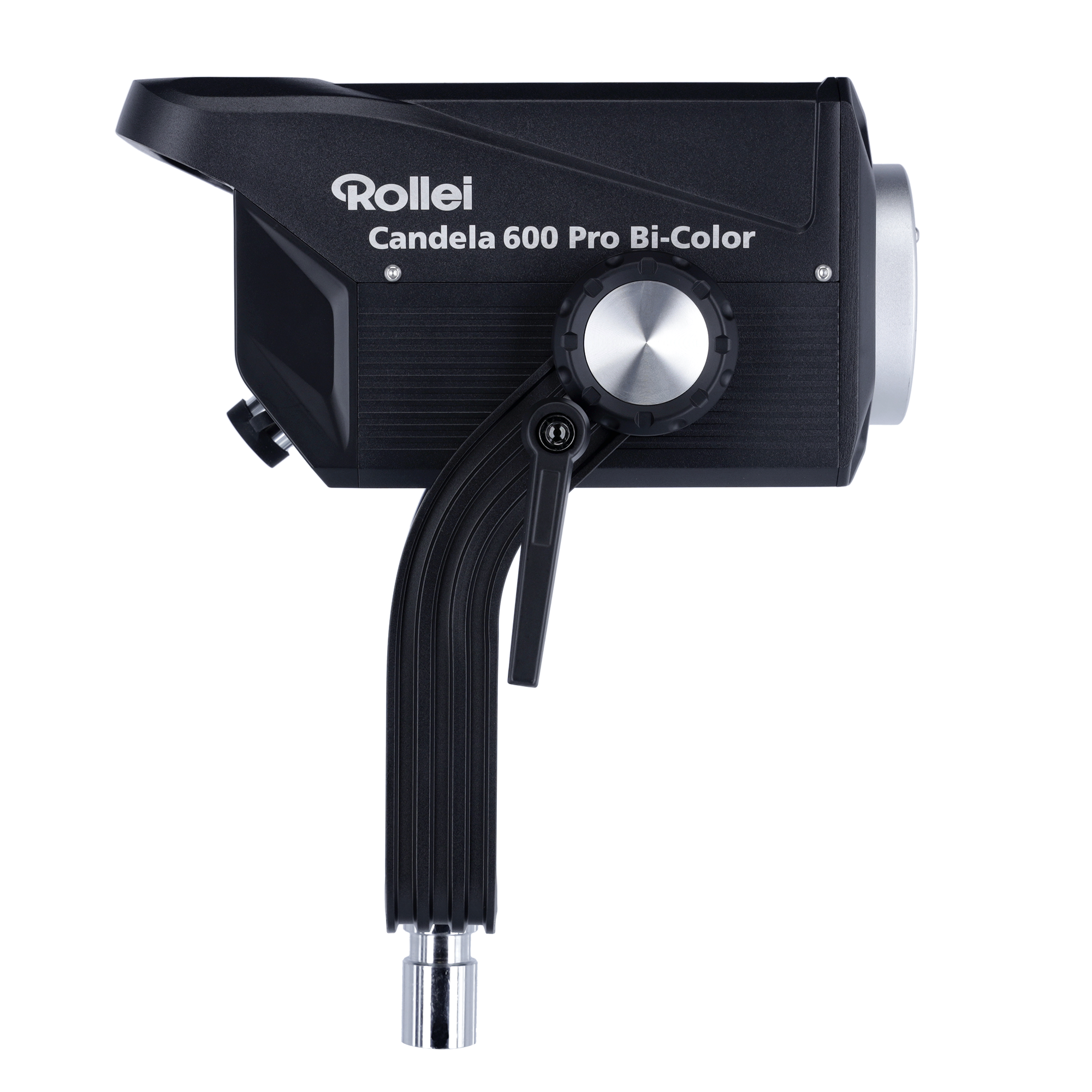
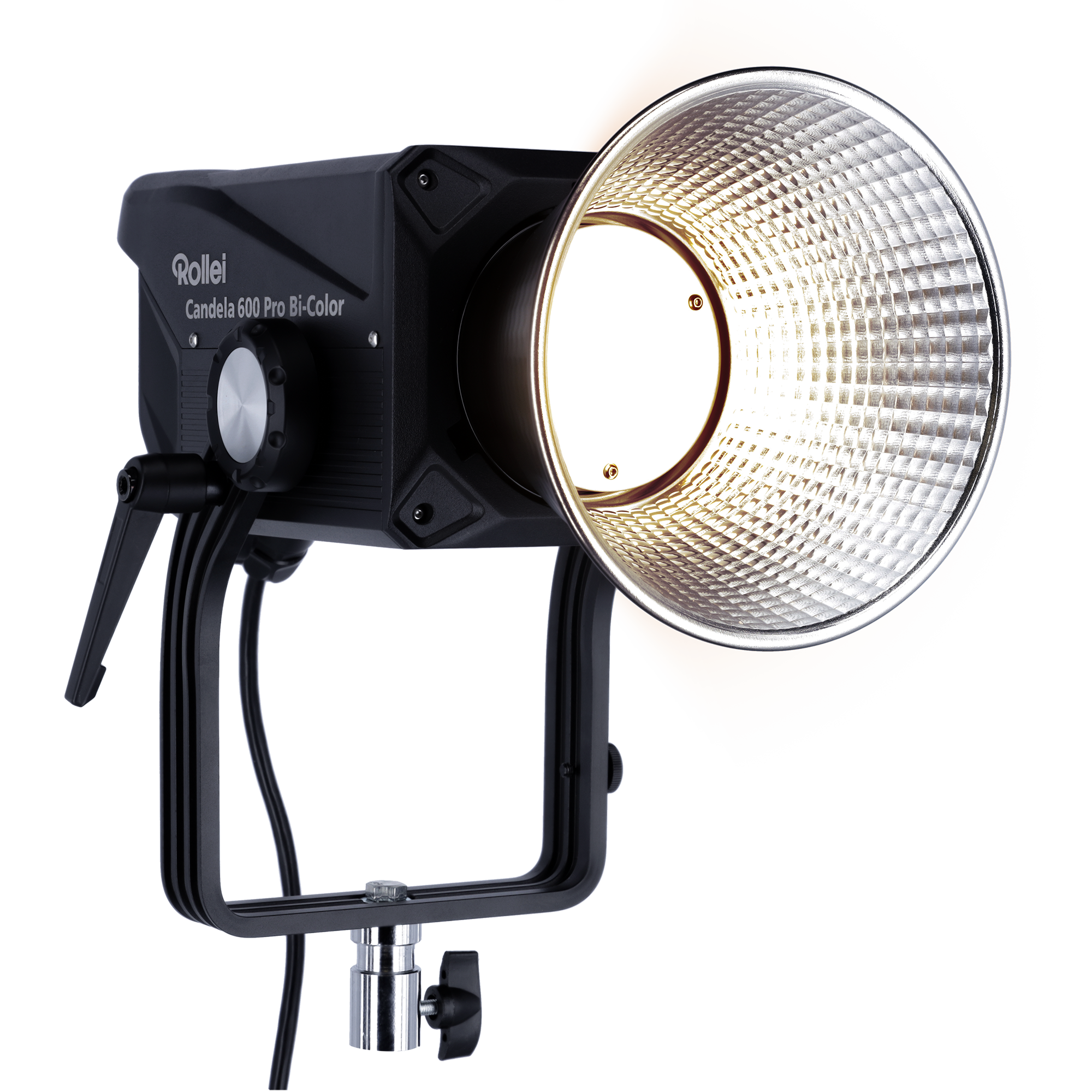
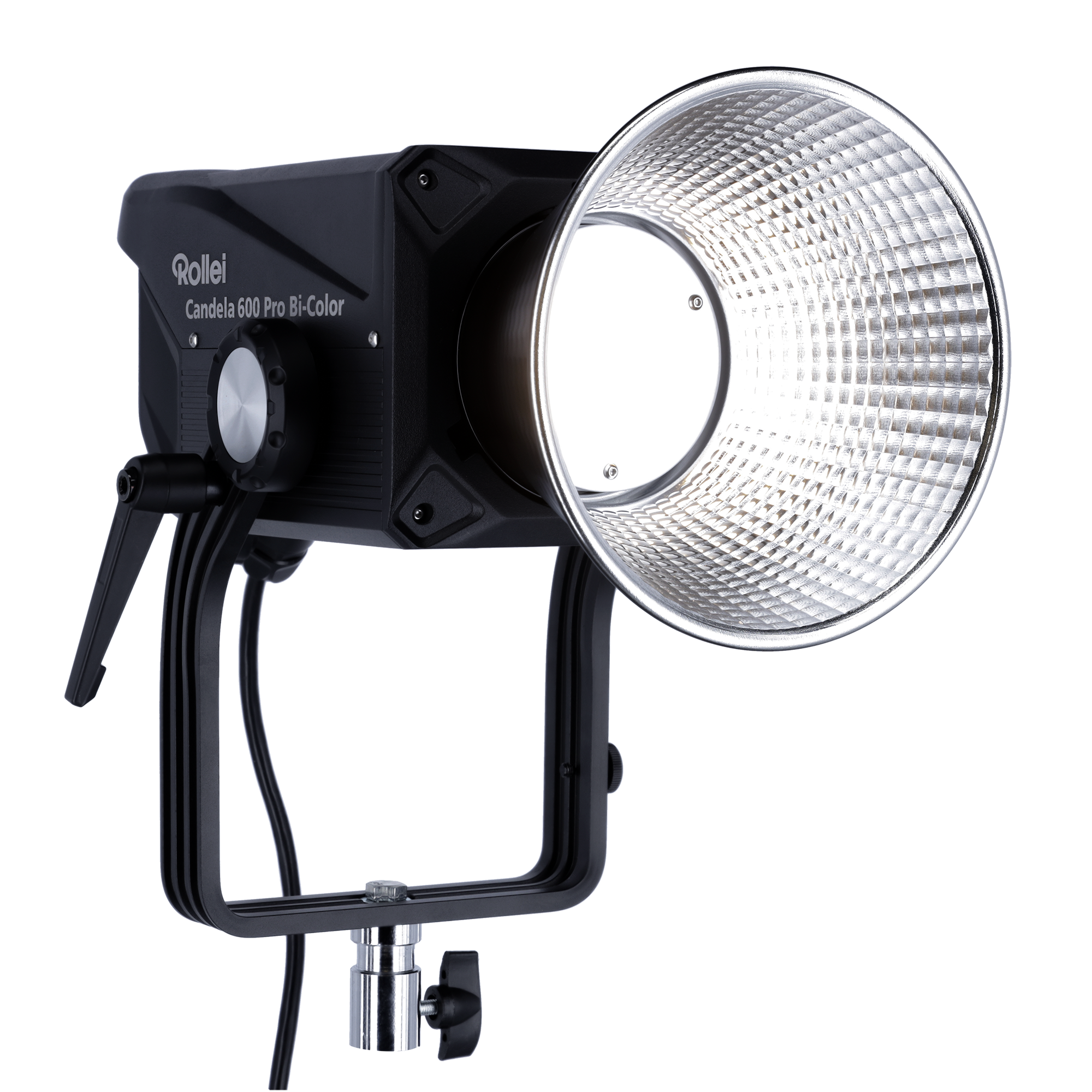
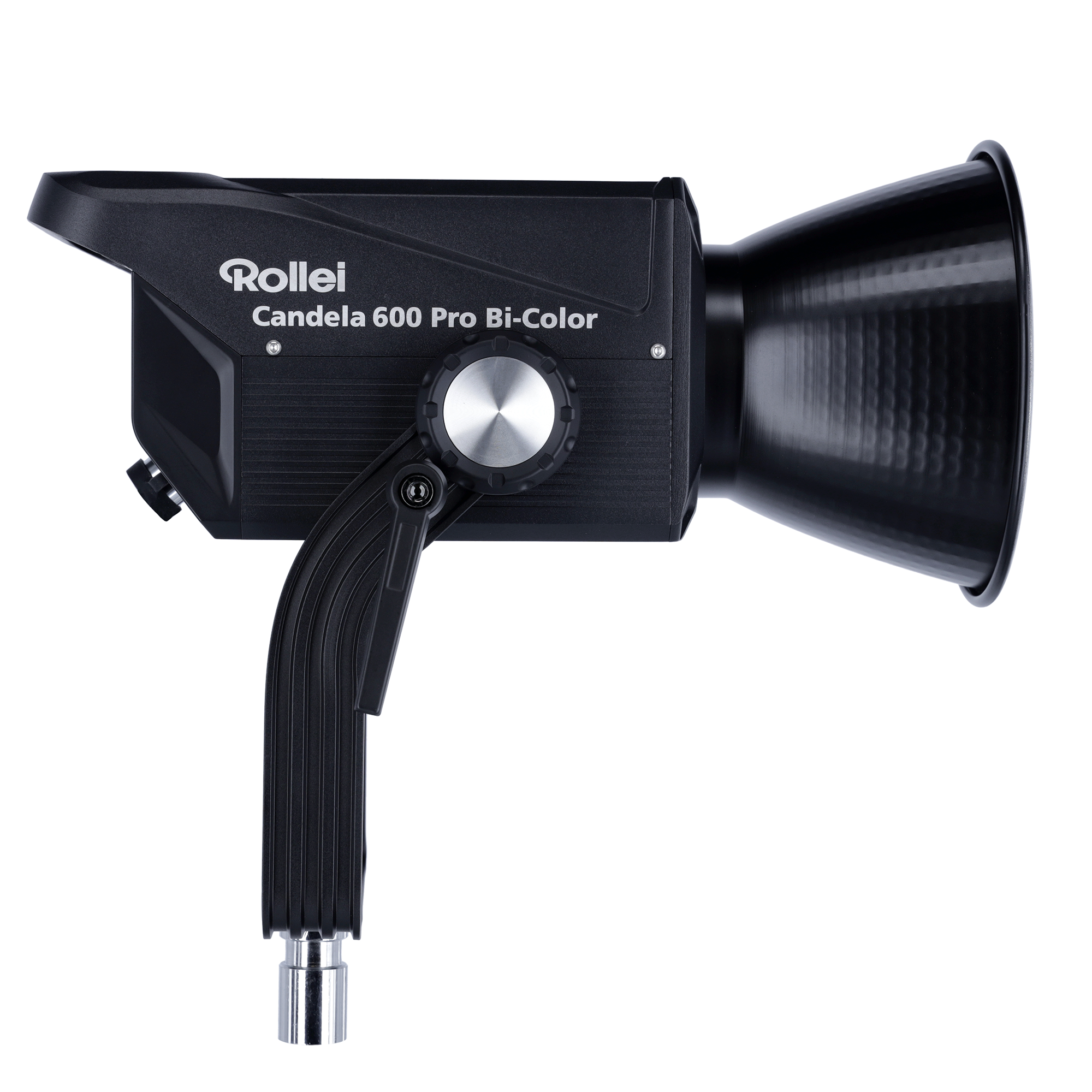
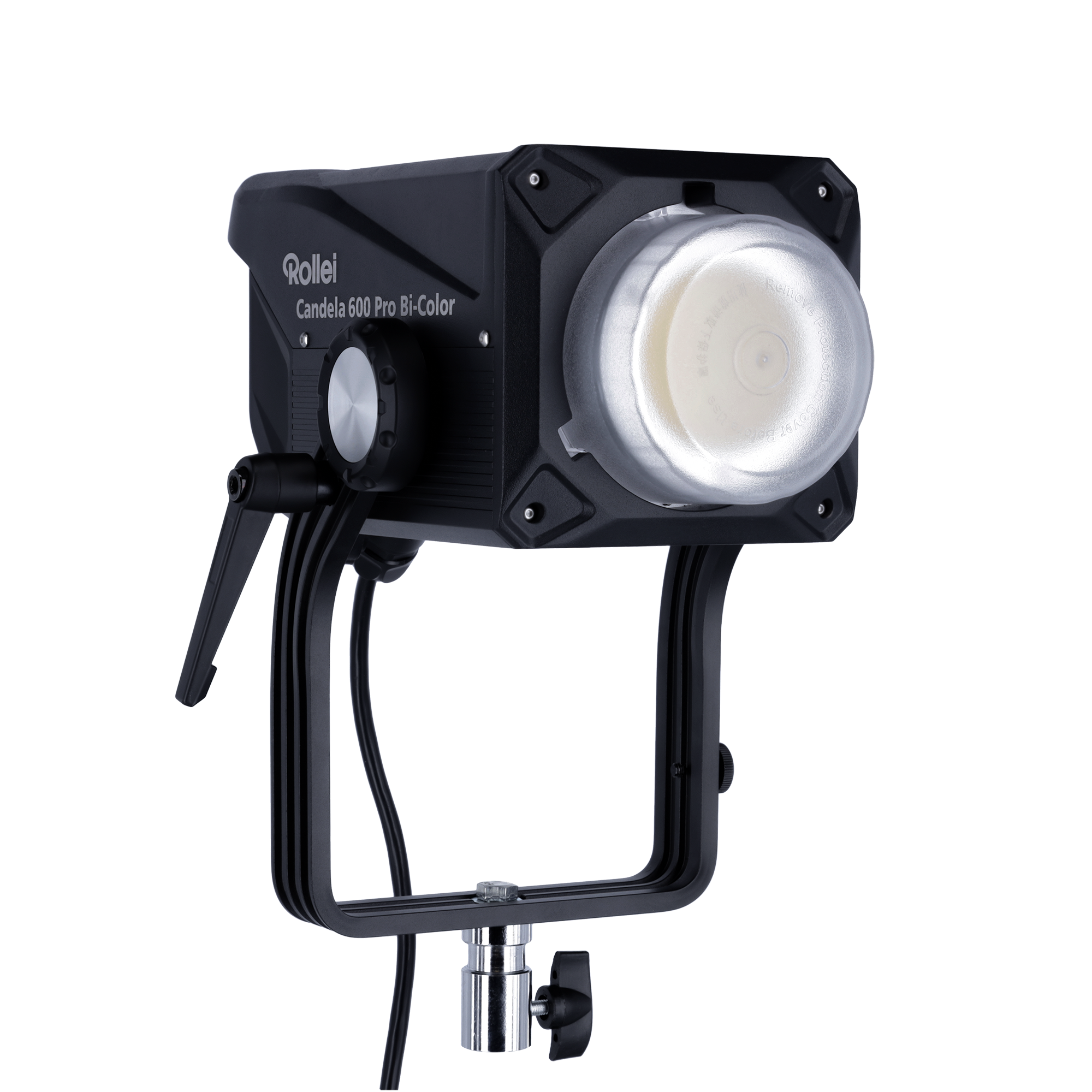
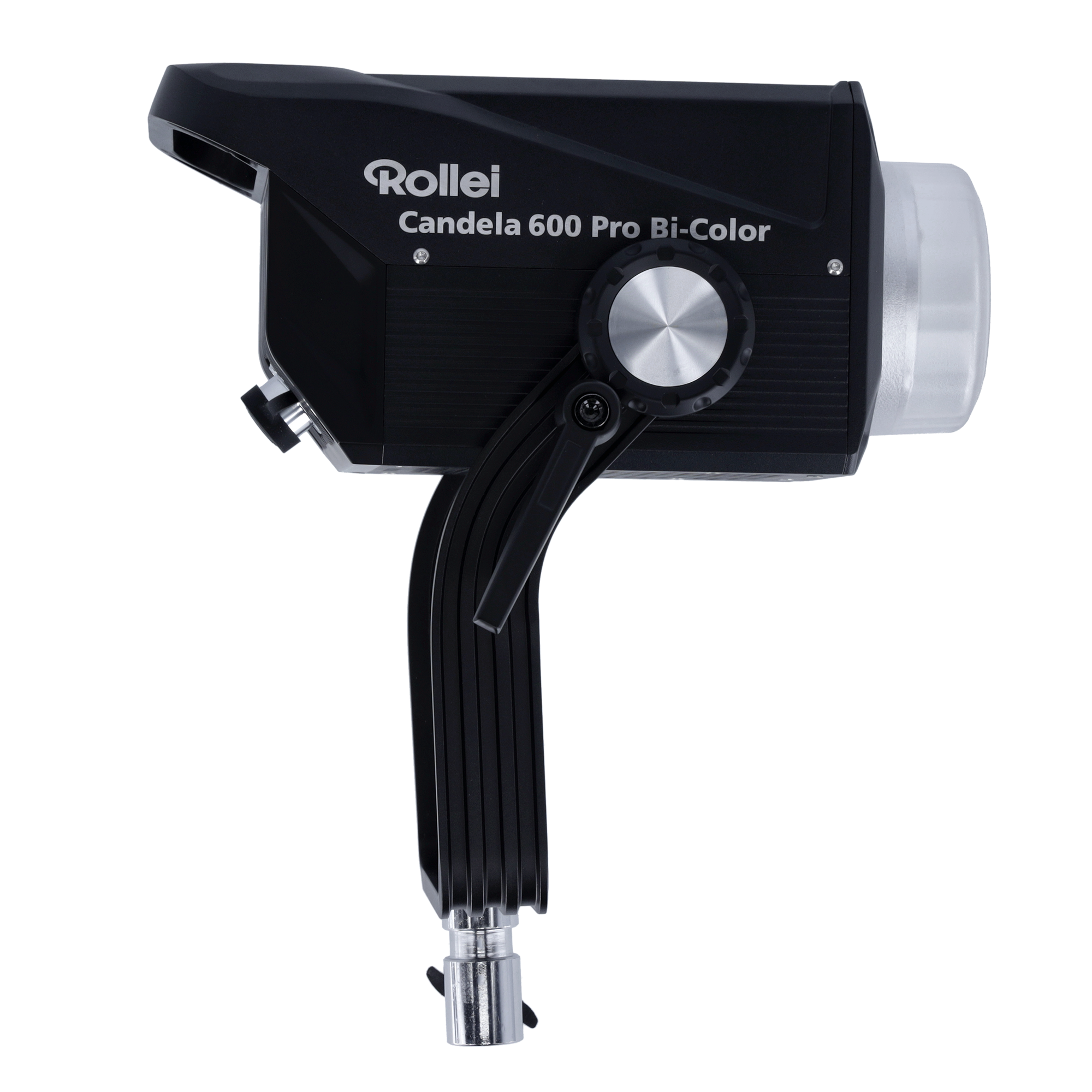
Candela 600 Pro Bi-Color
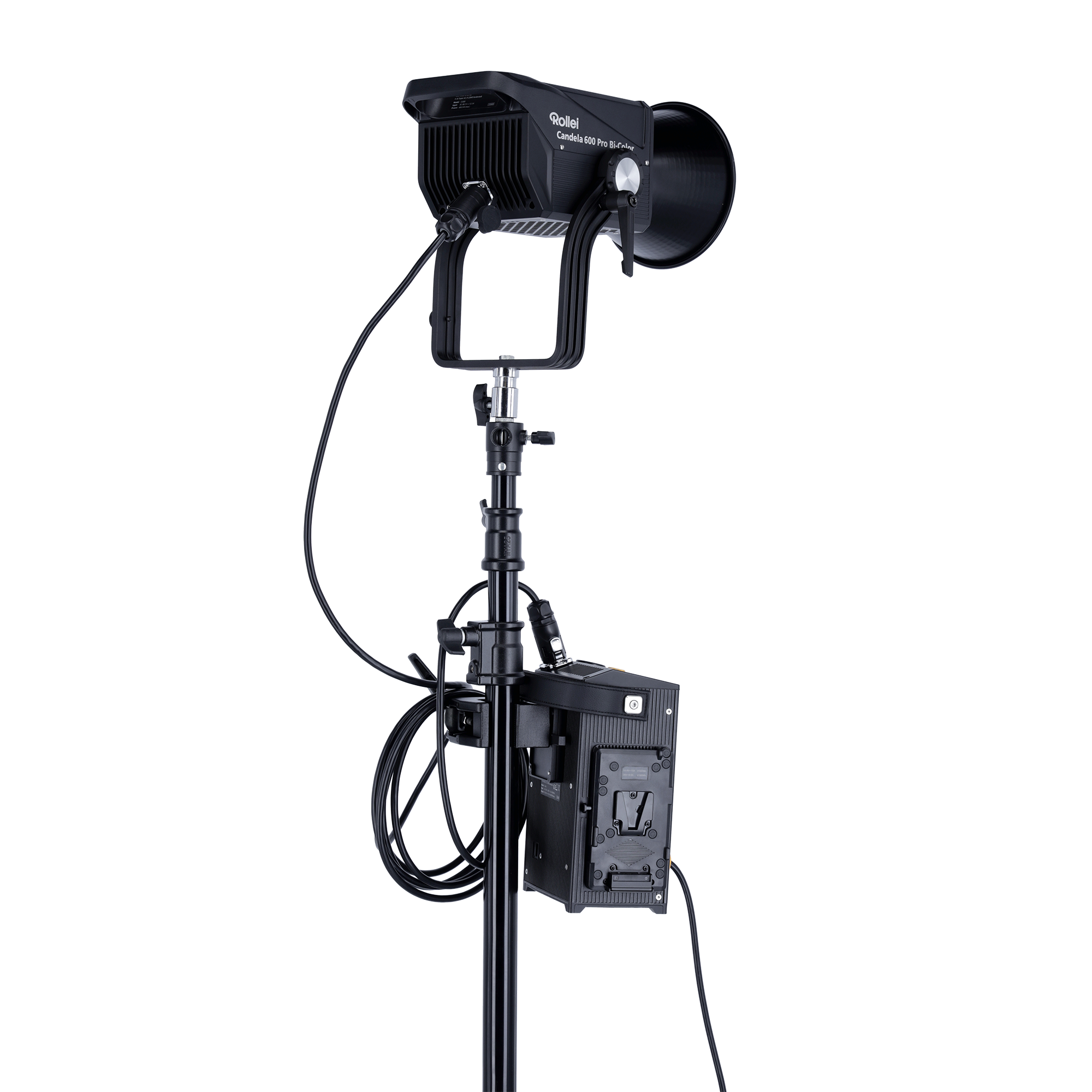
600 watts of power: Stepless brightness control from 0 - 100%
Bi-Color: Adjustable color temperature from 2,700 - 6,500 K
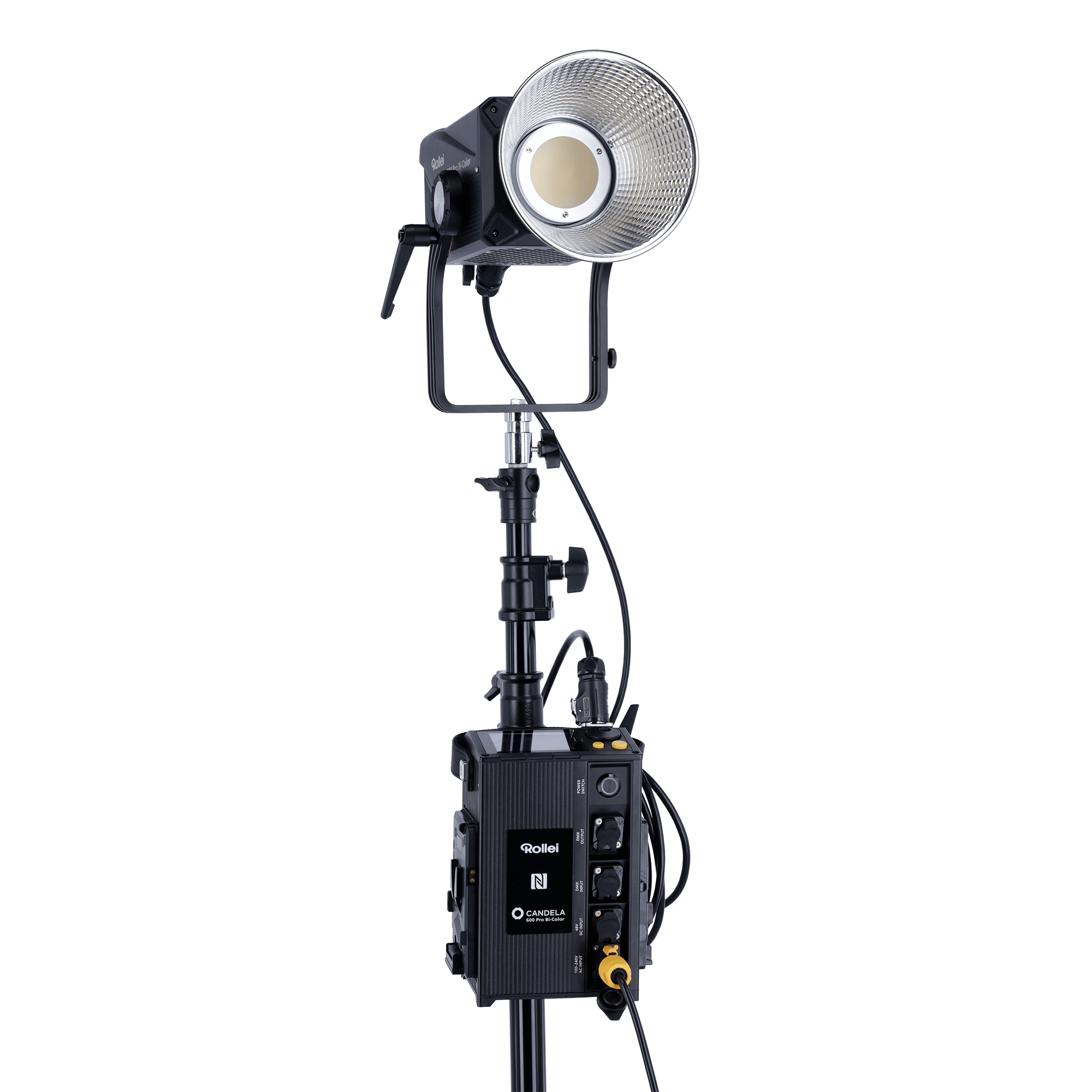
Dual Power Supply: Battery or Mains Operation
Convenient Control: Controllable via DMX 512, buttons, remote control, or app
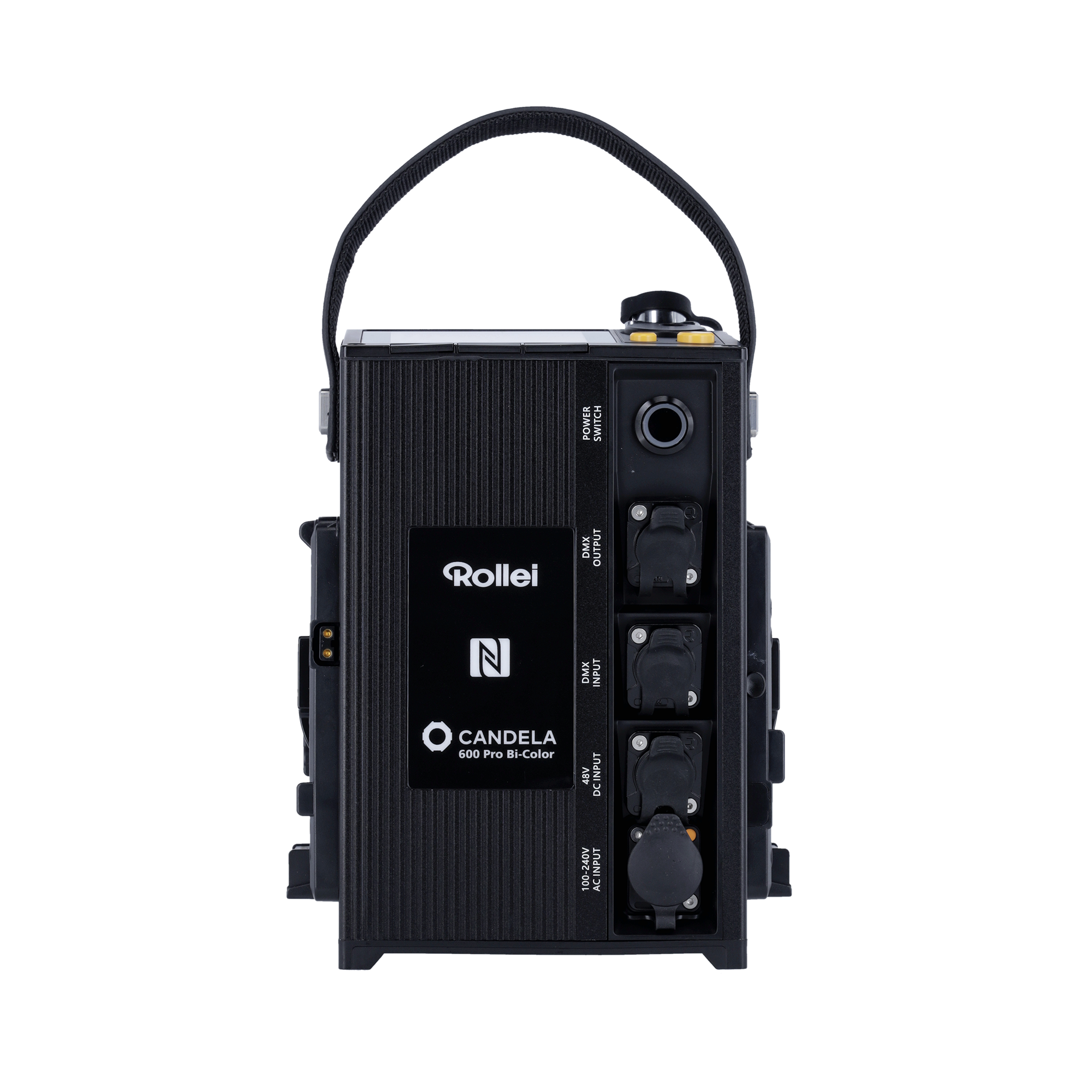
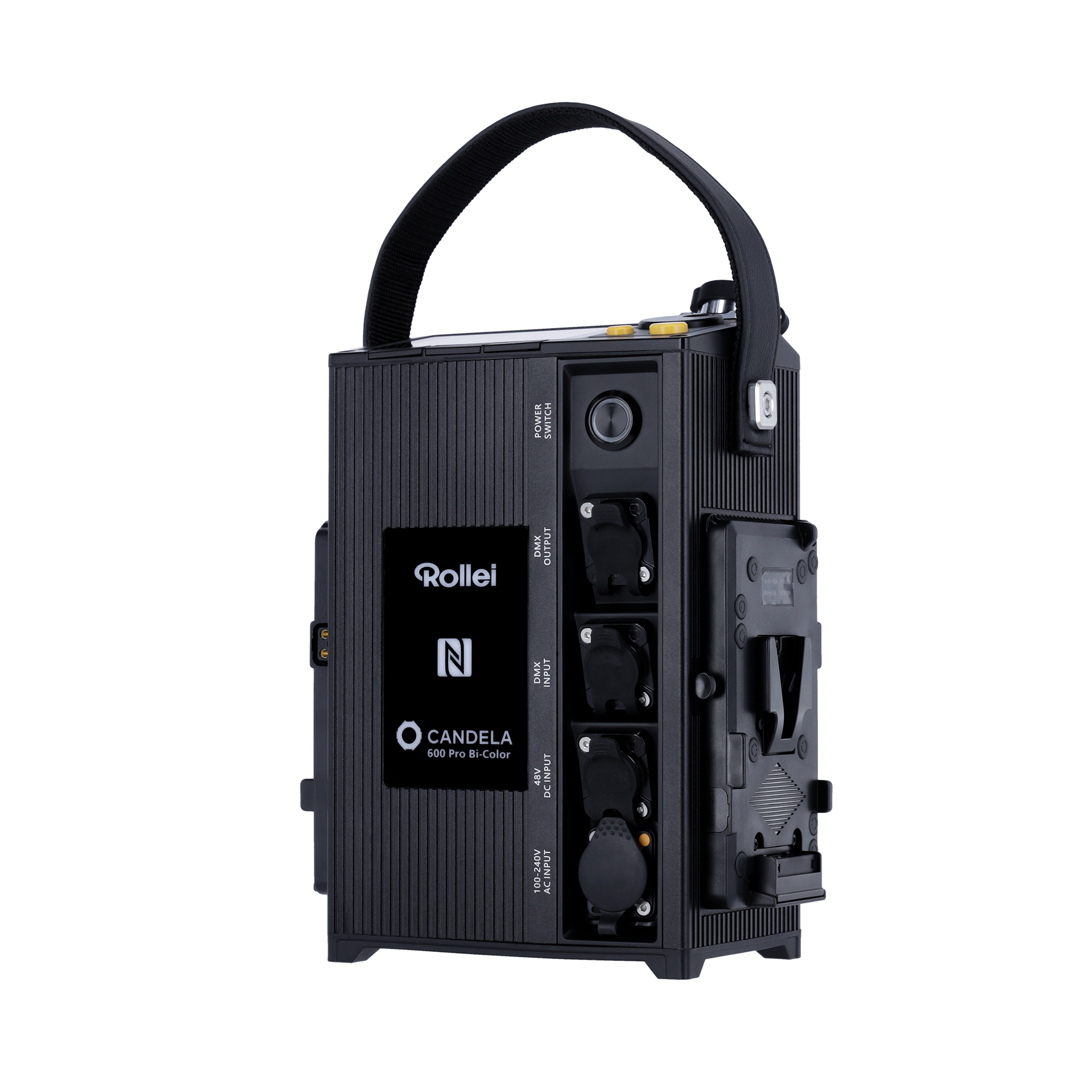
Portable control box: With practical carrying handle
Highlights
Light redefined.
Natural white light
via Smartphone App
Performance that convinces.
Cordless operation
Meaningful upgrades
Delivery within 2-3 business days
Free shipping from €100 ¹
Free returns within 14 days.²
2-year replacement warranty³
Candela 600 Pro Bi-Color
If you have any questions, you are always welcome to contact us. We'll get back to you as soon as possible, within 24 hours on weekdays.
-
Shipping Information
Use this text to answer questions in as much detail as possible for your customers.
-
Customer Support
Use this text to answer questions in as much detail as possible for your customers.
-
FAQs
Use this text to answer questions in as much detail as possible for your customers.
-
Contact Us
Use this text to answer questions in as much detail as possible for your customers.
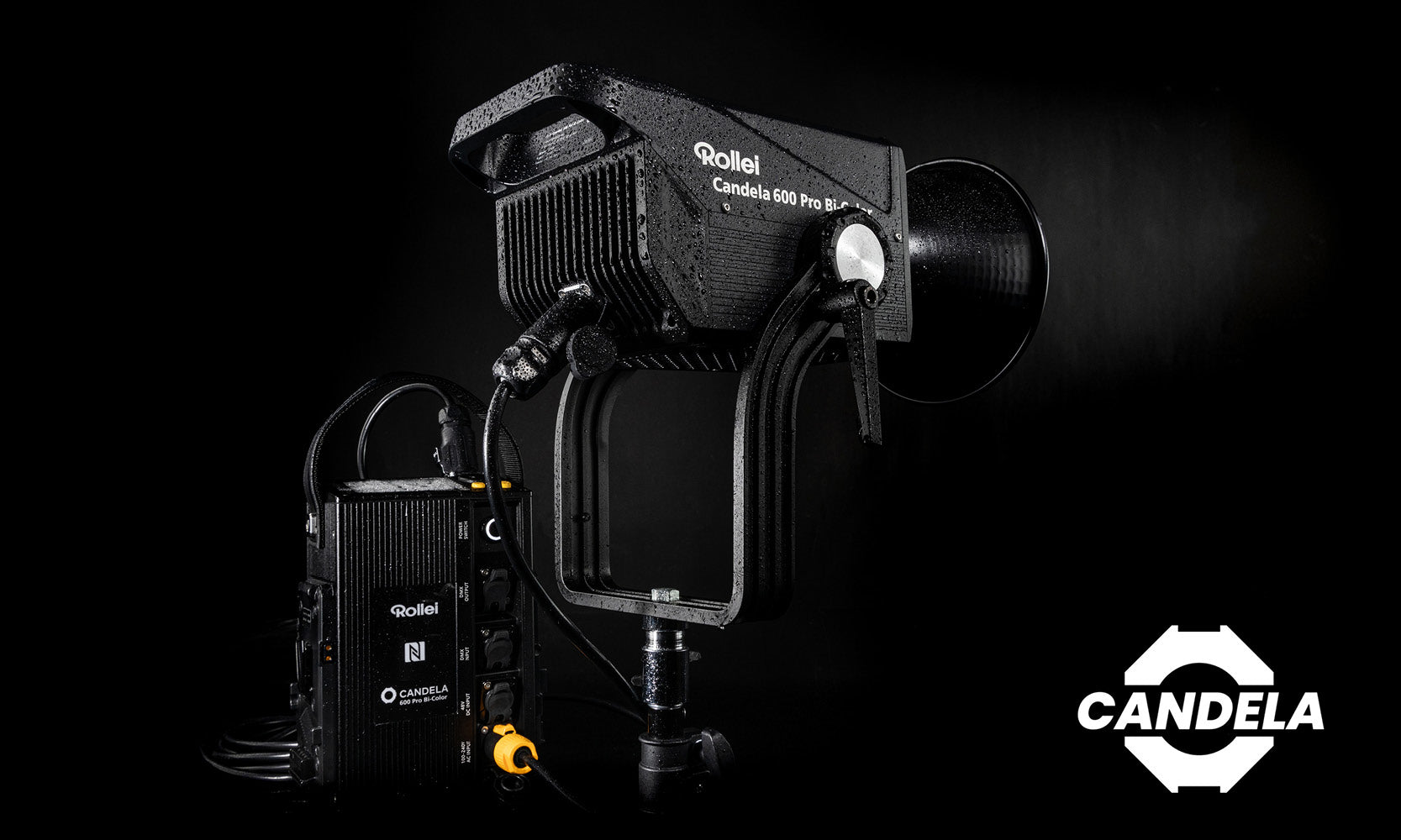
Candela 600 Pro Bi-Color – The Ultimate LED Continuous Light for Professionals
In the world of photography and video production, the right lighting is key to exceptional results. With the Candela 600 Pro Bi-Color, you set new standards in flexibility, quality, and ease of use. Developed for professionals who don't compromise, this powerhouse offers a range of outstanding features that set it apart from other LED continuous lights.
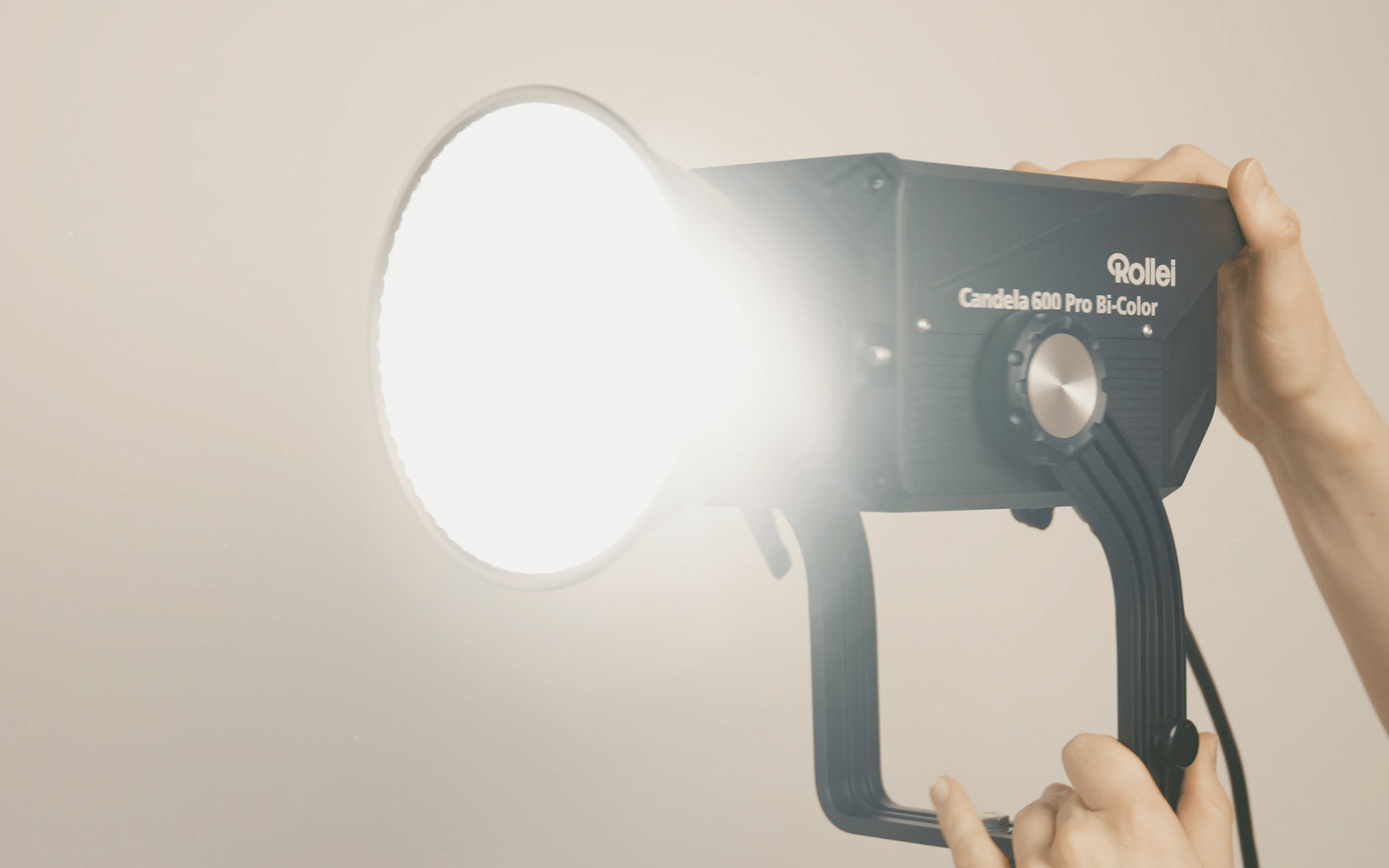
600 Watts of Power: Stepless Brightness Control from 0 to 100 Percent
The Candela 600 Pro Bi-Color offers stepless brightness control from 0 to 100 percent. With an impressive power of 600 watts, you have maximum flexibility in illuminating your photos and videos, whether you need subtle or strong light.
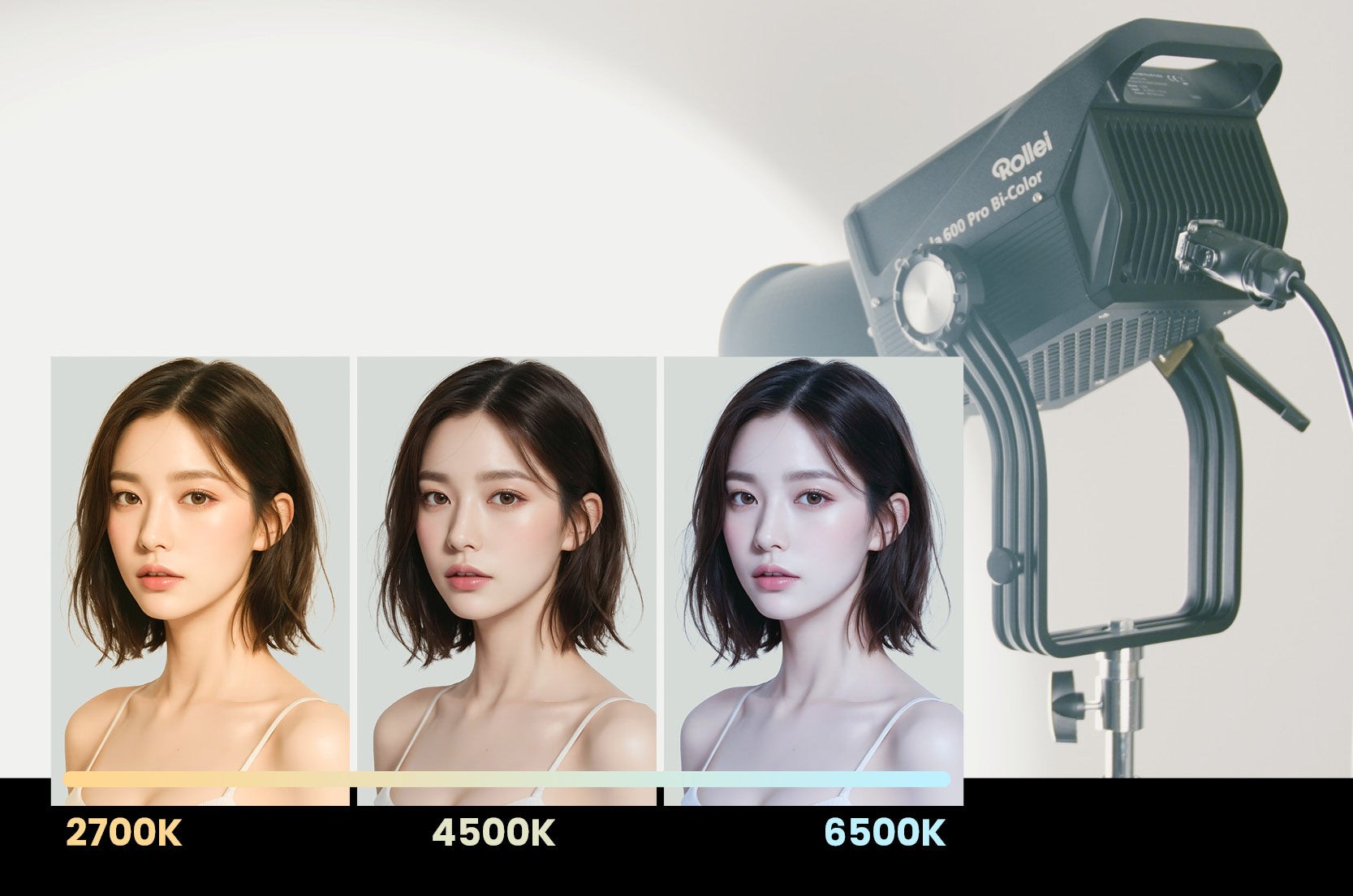
Bi-Color: Adjustable Color Temperature from 2,700 to 6,500 Kelvin
Create atmospheric scenes with an adjustable color temperature from 2,700 to 6,500 Kelvin. Whether cool white for a nighttime scene or warm white for a cozy atmosphere – the Candela 600 Pro Bi-Color opens up endless creative possibilities.
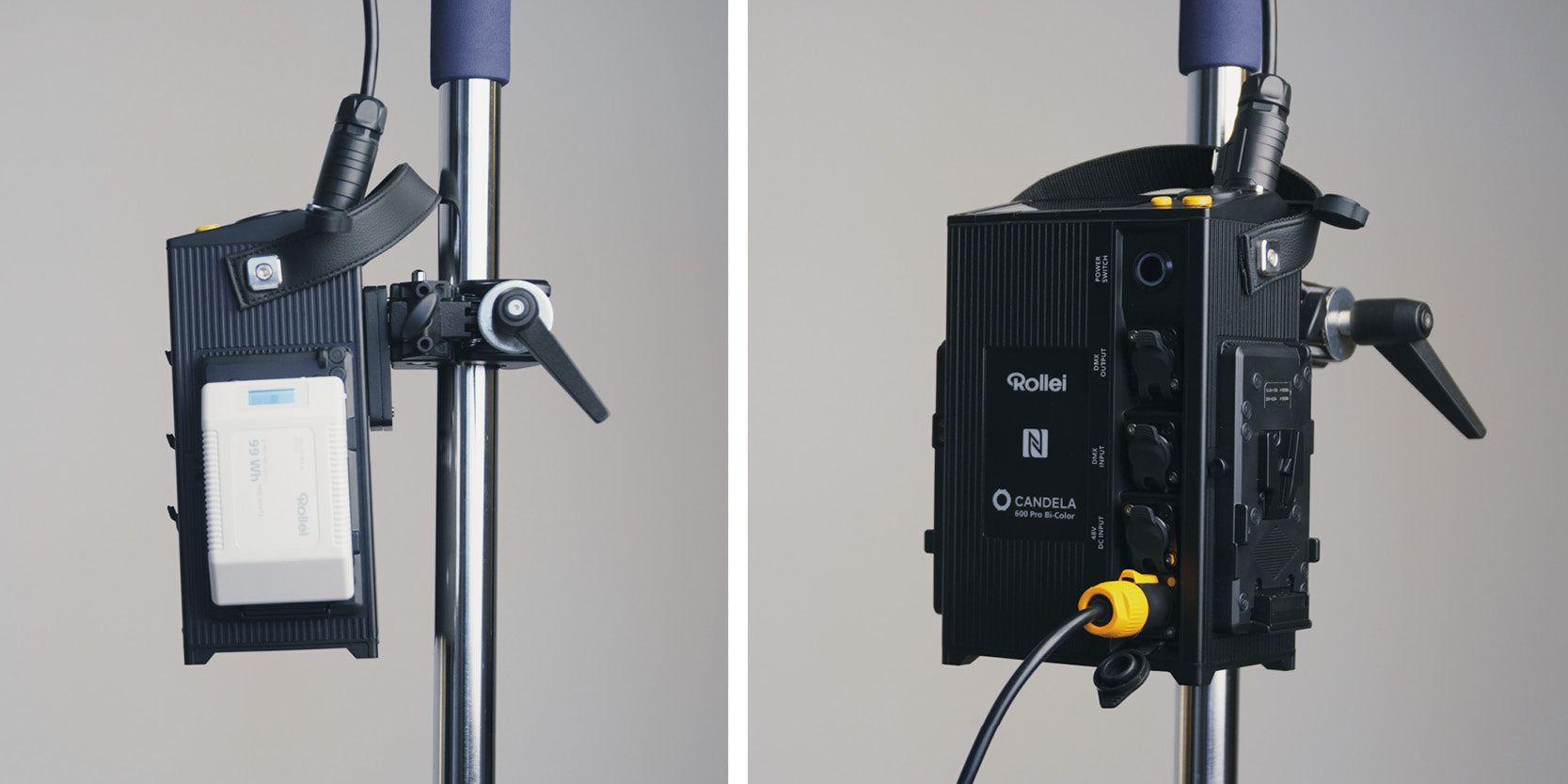
Dual Power Supply: Battery or Mains Operation
The Candela 600 Pro Bi-Color can be operated both via battery and with mains power. This makes it a versatile companion, whether you are shooting in the studio or outdoors. Mobility can be achieved with the separately available V-Mount Battery 99Wh Pro. Simply connect one to two batteries to the control box and you're ready to go.
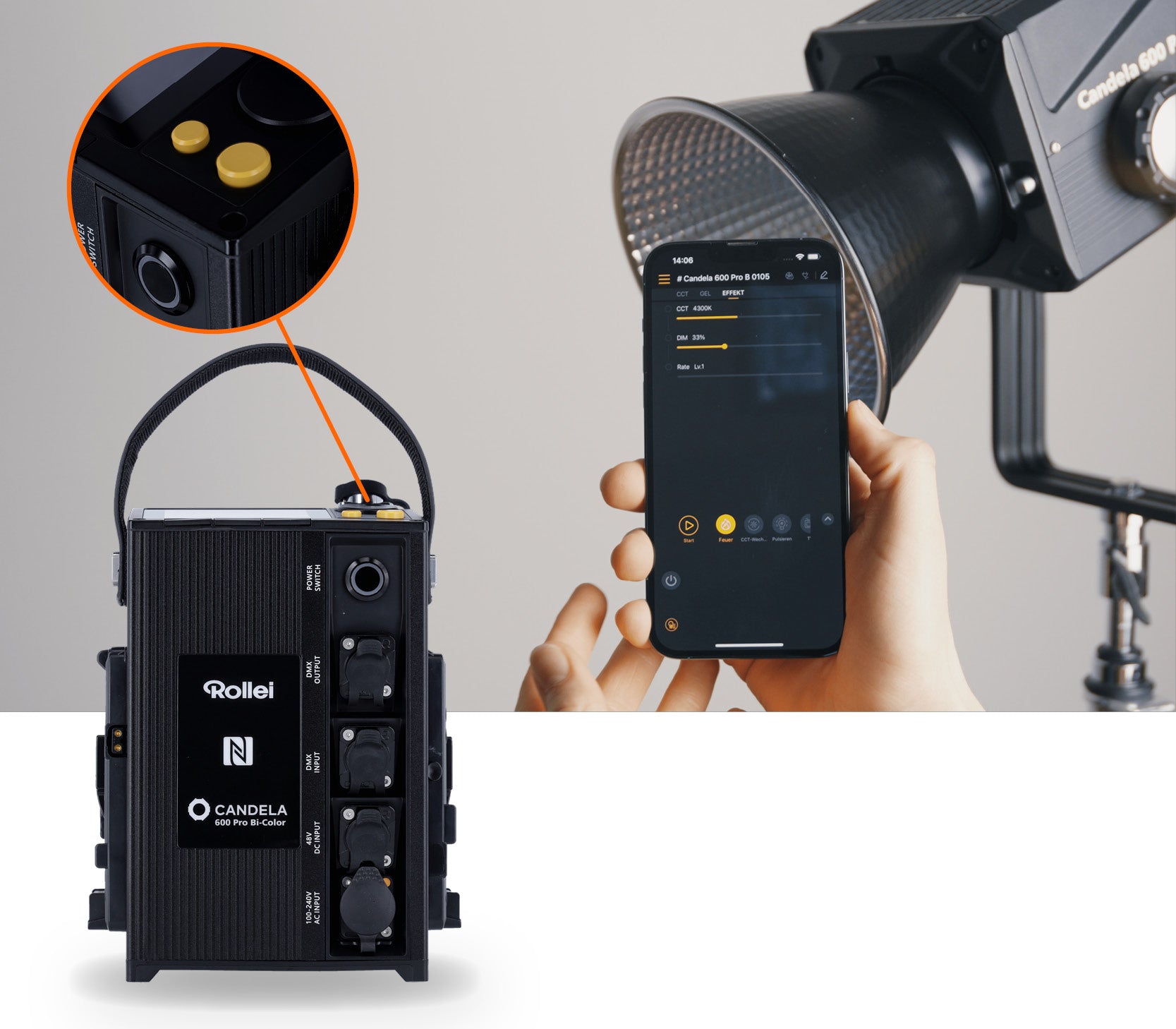
Convenient Operation: Controllable via DMX 512, Buttons on the Control Box, Remote Control, or App
The easy control via DMX, the buttons on the light, via remote control or via app and the possibility to pair the Candela 600 Pro Bi-Color with other lights offer you ultimate operating convenience and flexibility. The "Candela | LUX LED" app allows you extensive control over your lighting. With the CCT mode, you can adjust the color temperature, while the effect mode offers dynamic lighting effects, making you perfectly equipped for video recordings. The fan mode can also be controlled and offers an additional highlight for videographers with the silent mode. Overall, the app provides flexible and comprehensive control over your lighting.
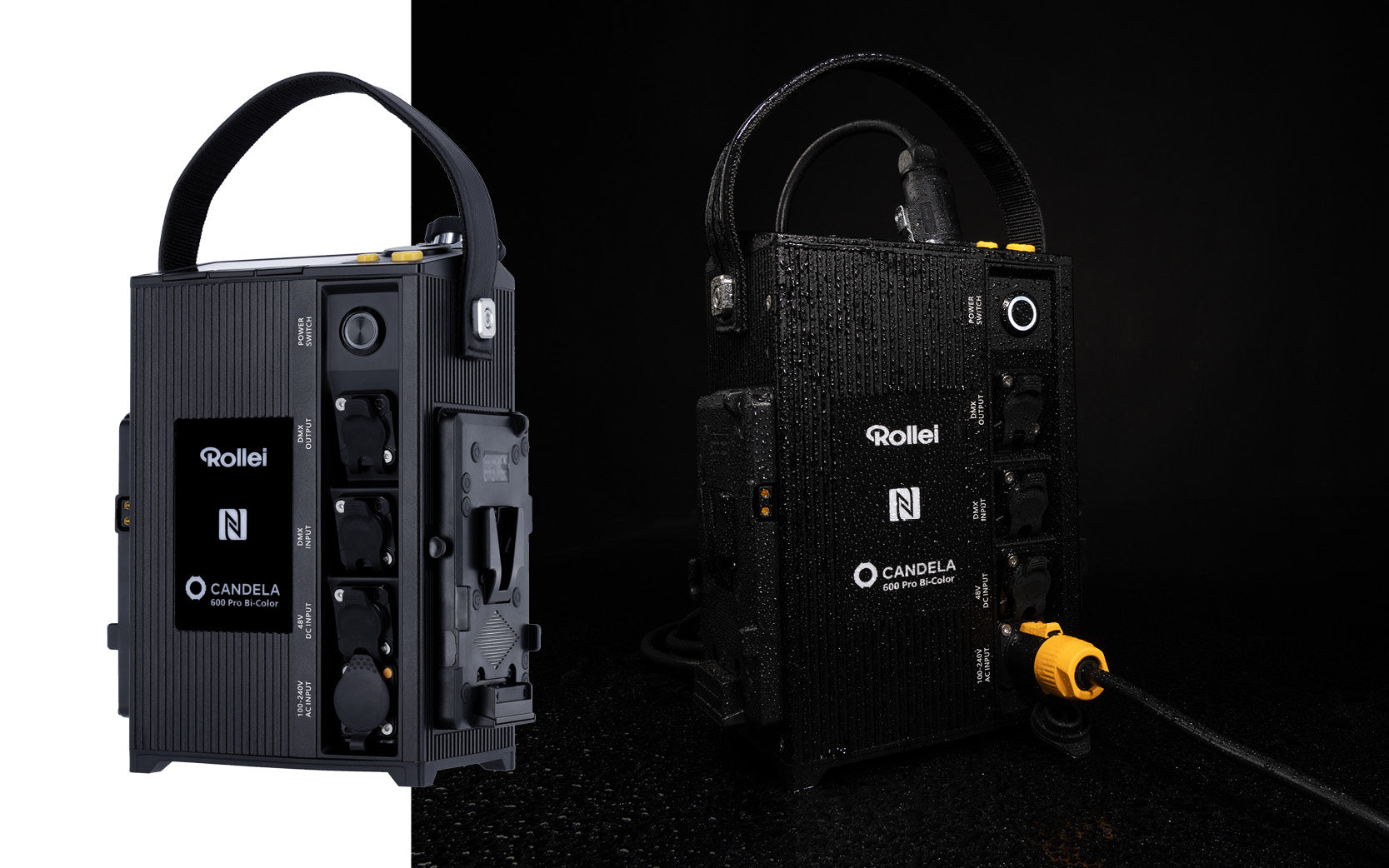
Portable Control Box: With Practical Carrying Handle
The portable control box of the Candela 600 Pro Bi-Color, equipped with a practical carrying handle, significantly facilitates the transport and handling of the device. This keeps your equipment mobile and flexibly applicable.
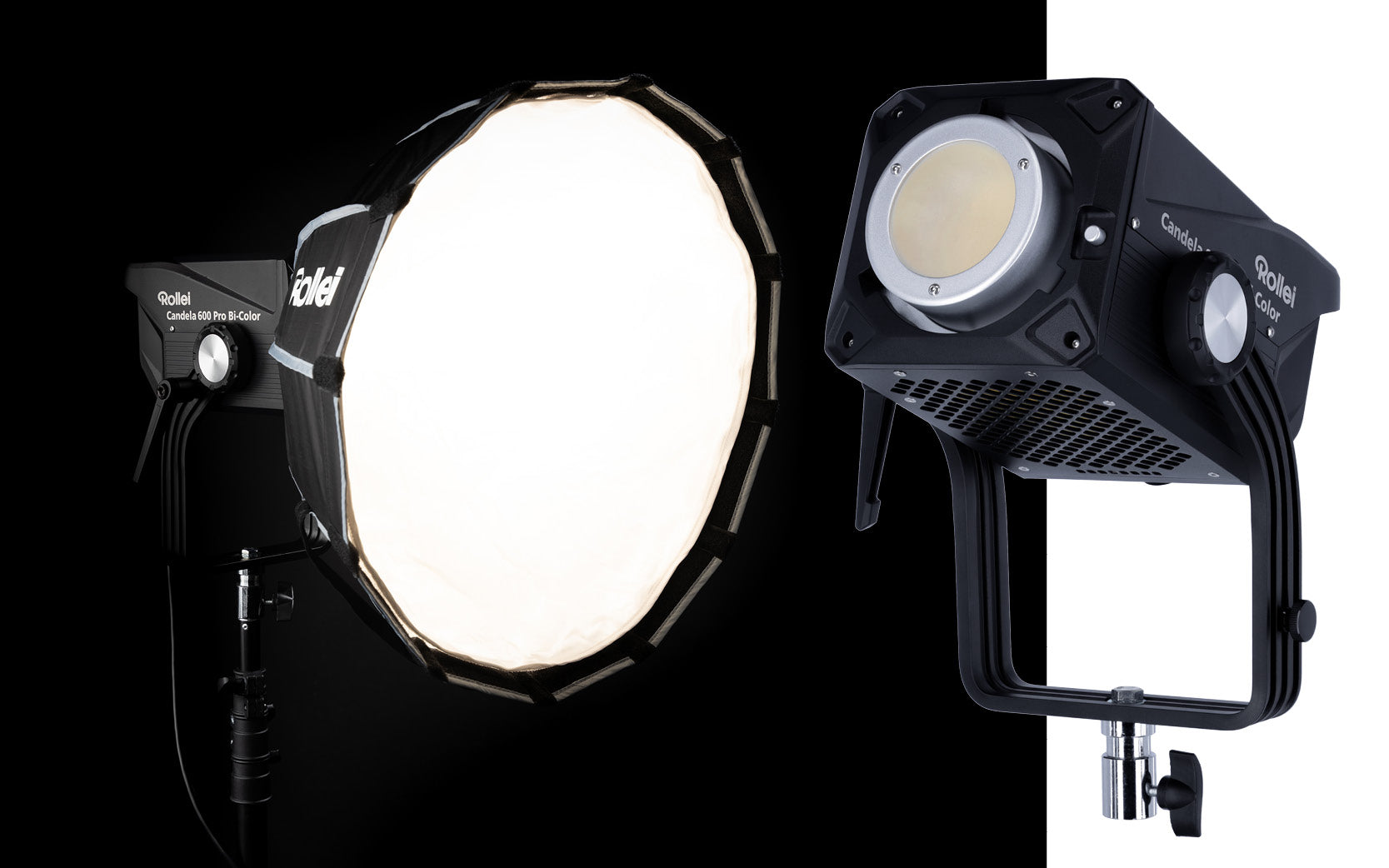
Bowens Mount: For Using Diverse Light Shaping Solutions
Thanks to the Bowens mount, the Candela 600 Pro Bi-Color is compatible with a wide range of light modifiers and accessories. This opens up endless possibilities to shape and modify the light according to your wishes.
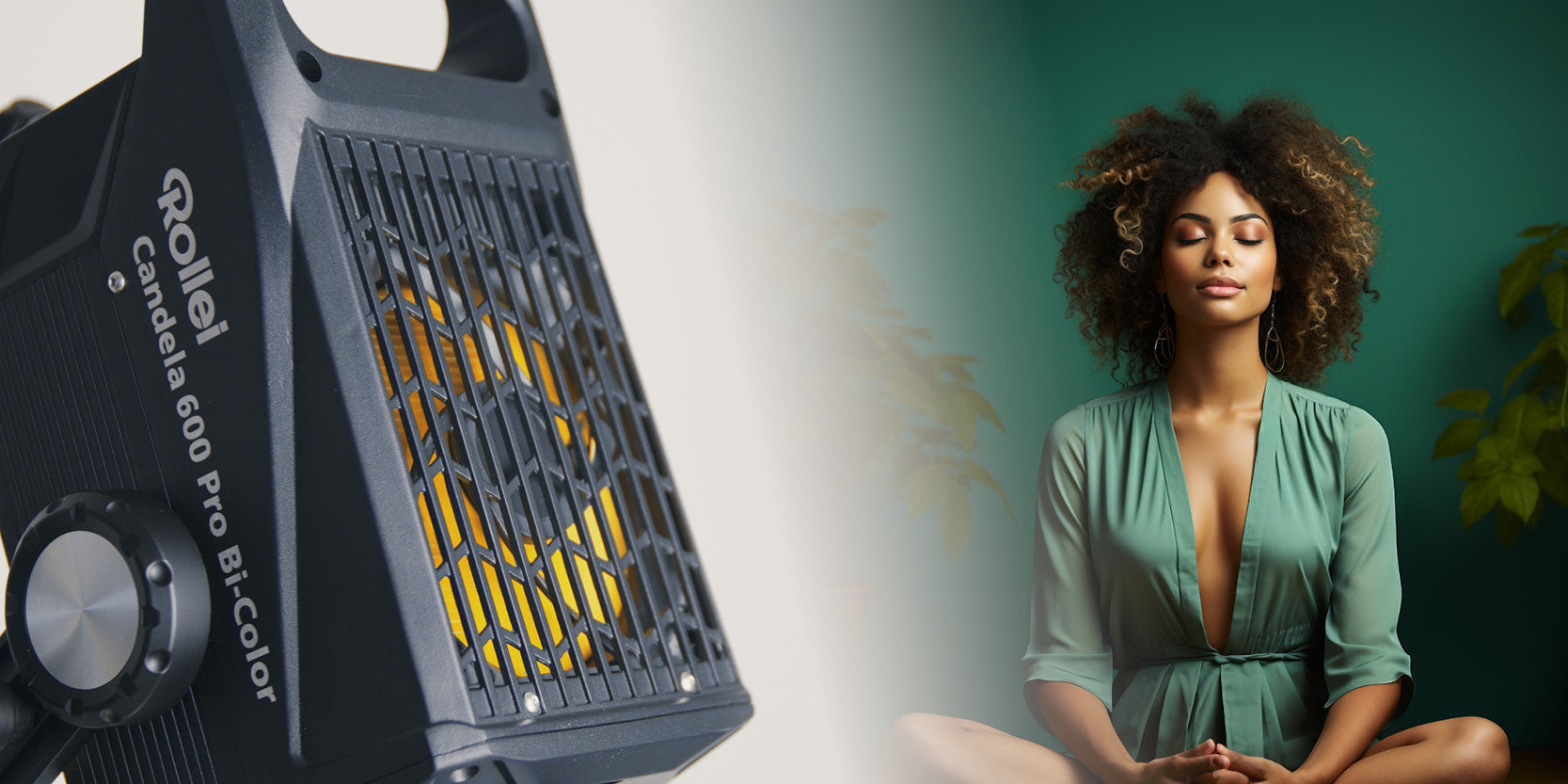
Ultra-Quiet Active Cooling: No Disturbance of Audio Recordings
With its ultra-quiet active cooling that does not disturb audio recordings, the Candela 600 Pro Bi-Color is ideal for content creation. It offers reliable cooling with minimal noise development. The intelligent temperature control ensures that the Candela functions safely even during prolonged use. With only 20 decibels in silent mode, it offers whisper-quiet operation.

Versatile Lighting Effects: 9 Pre-Programmed Settings Available
The Candela 600 Pro Bi-Color has 9 pre-programmed light effect settings that offer you countless creative options. Stage your subjects in unique ways.

High Color Fidelity: CRI of 97 and TLCI of 98 for Authentic Colors
With a CRI value of 97 and a TLCI value of 98, the Candela 600 Pro Bi-Color delivers remarkable color fidelity. This ensures that your shots always reproduce the most authentic and vibrant colors. See for yourself the many advantages of the Candela 600 Pro Bi-Color and take the quality of your photo and video recordings to the next level.
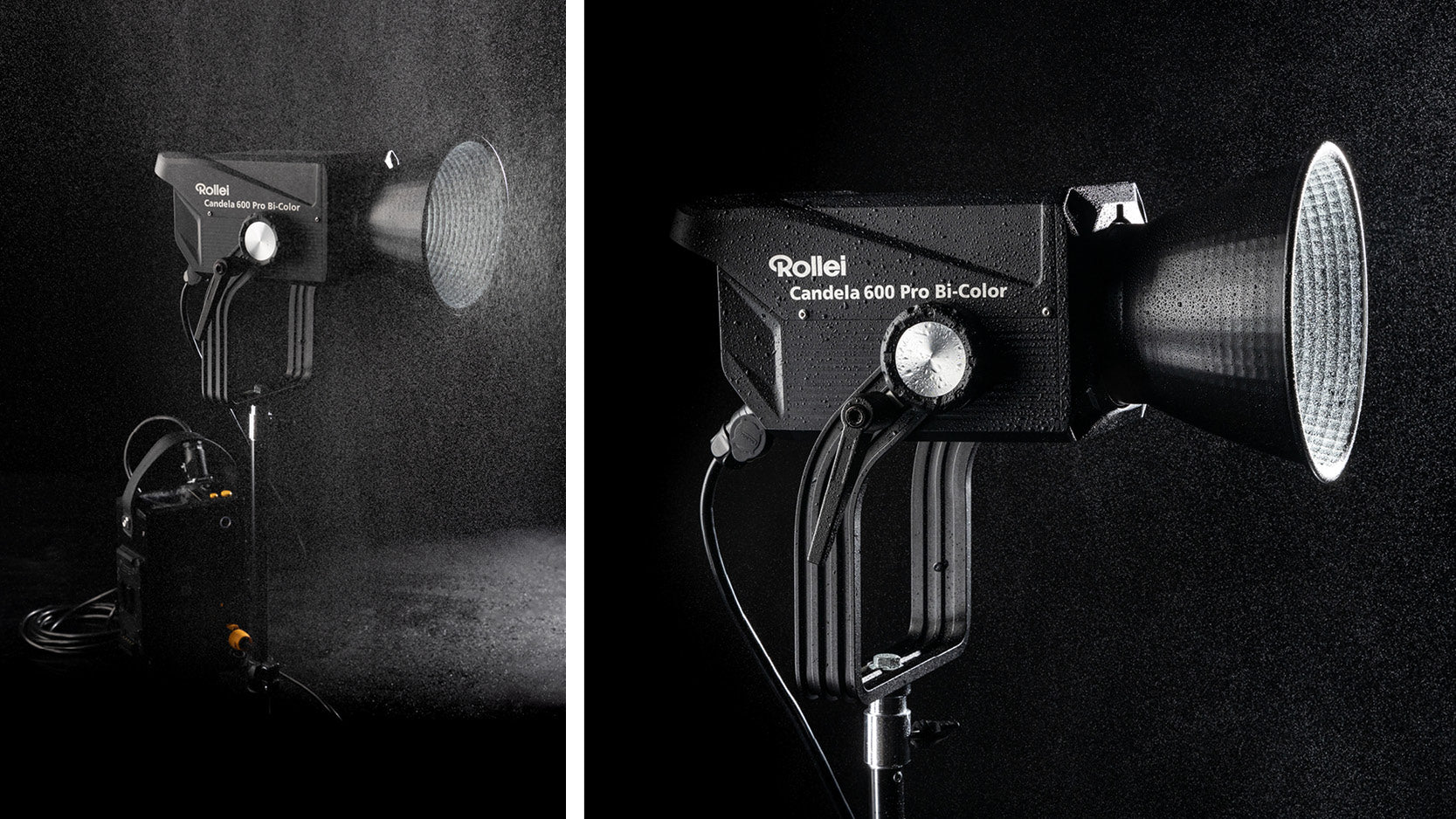
IP54: Reliable Protection Against Dust and Splash Water
The Candela 600 PRO is dust and splash-proof thanks to its IP54 certification, allowing you to stay creative in all conditions. Even in dusty and humid environments or light rain, you don't have to worry about the reliability of your lighting. With this robust protective feature, your equipment remains safe and ready for use – for unlimited creative freedom, no matter where you work.


Product videos
Video: Candela 600 Pro Bi-Color
Video: Candela 600 PRO Bi-Color
Technical Data
| Number of LEDs | 1 (COB-LED) |
| Power | 600.0 W |
| (EU 2017/1369) | G |
| EU Energy Efficiency Class Spectrum (EU 2017/1369) | A - G |
| Color Temperature | 2,700 - 6,500 K |
| Color Rendering Index (CRI) | 97+ |
| Television Lighting Consistency Index (TLCI) | 98+ |
| TN-30-18 | Rf 94 / Rg 100+ |
| Power Control | 0 - 100 % in 1% or 10% increments |
| Illuminance without Reflector | 3,200 K: 17,300 lux (1 m), 2,550 lux (3 m), 1,170 lux (5 m) |
| 4,500 K | 17,800 lux (1 m), 2,620 lux (3 m), 1,210 lux (5 m) |
| 5,500 K | 18,600 lux (1 m), 2,750 lux (3 m), 1,250 lux (5 m) |
| Beam Angle | COB continuous light: 120 ° |
| Flicker-free | up to 240 fps |
| Effects | 9 |
| Bowens S-Type Mount | Yes |
| Remote Control | Remote control (sold separately) or app |
| Frequency Band | 2.400 - 2.480 GHz |
| Maximum Transmit Power | 10 dBm |
| Fan Noise | 32 dBA (100% brightness, 1 m) |
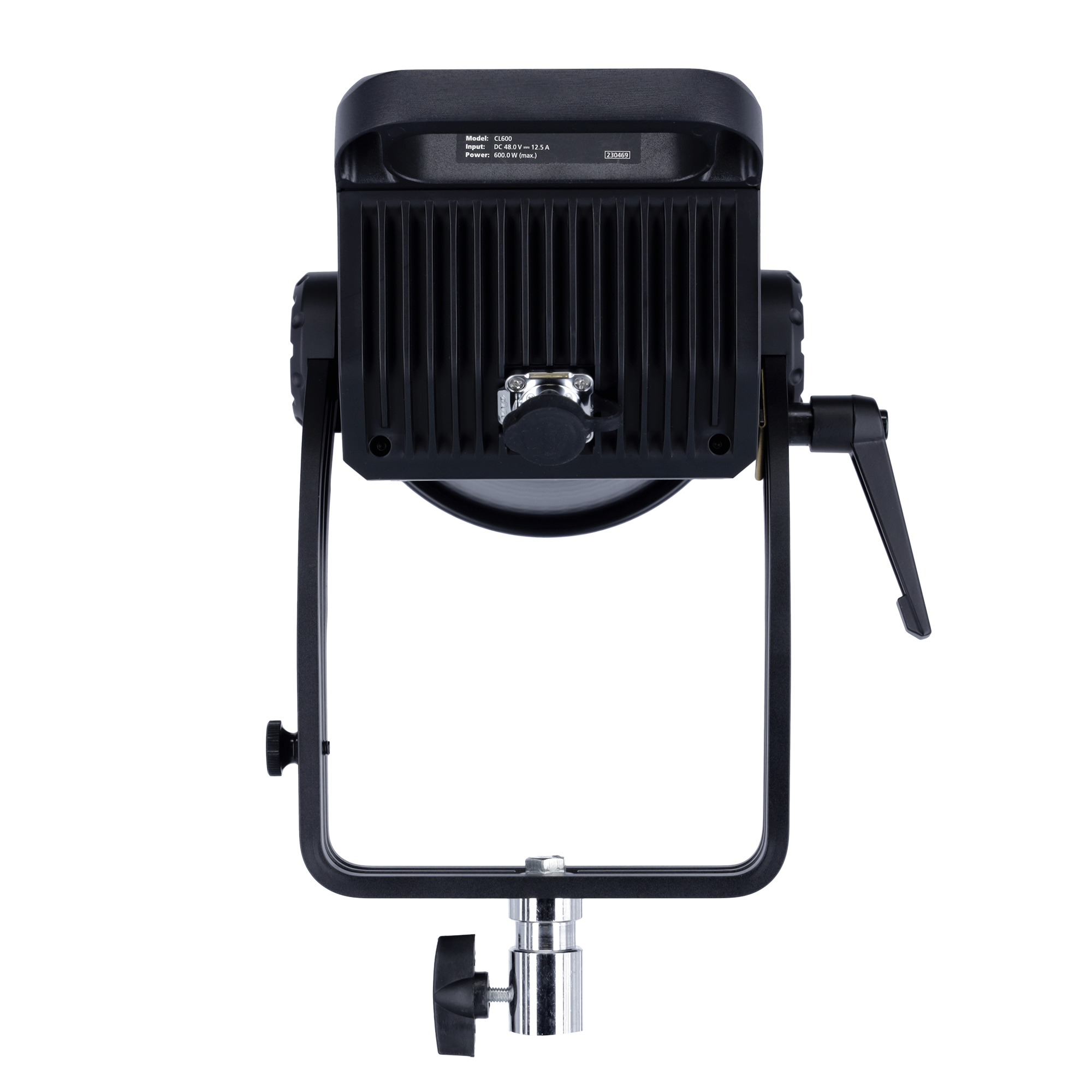
| Power Supply | Via Control Box: Rollei AC/DC Control Box for Candela 600 Pro, Input: AC 100 – 240 V / 2.5 A, 50/60 Hz, Output: DC 48.0 V / 12.5 A |
| or Battery | |
| allow different power levels | |
| Note | Combining batteries with |
| Input | DC 48.0 V / 12.5 A |
| Rated Input Power | 600.0 W |
| Connections | AC 100 – 240 V Input, DC 48 V Input, DMX In, |
| Dimensions (L x W x H) | 35 x 23 x 13 cm |
| Weight | 4.2 kg |
Compatibility
Scope of delivery
Downloads
All available downloads for this product can be found in our download center.
There you will find operating instructions (BDA), firmware updates, software, drivers, and other product-related files.
👉 To the download center:
https://downloads.rollei.de
Please simply select your product there to access all current files.
Special Notes
GPSR, Regulation (EU) 2023/988)
Everything you need to know.
Answers at a glance.
Here you can find the most common questions about Candela 600 Pro Bi-Color. If anything remains unclear, our support team will be happy to help you.